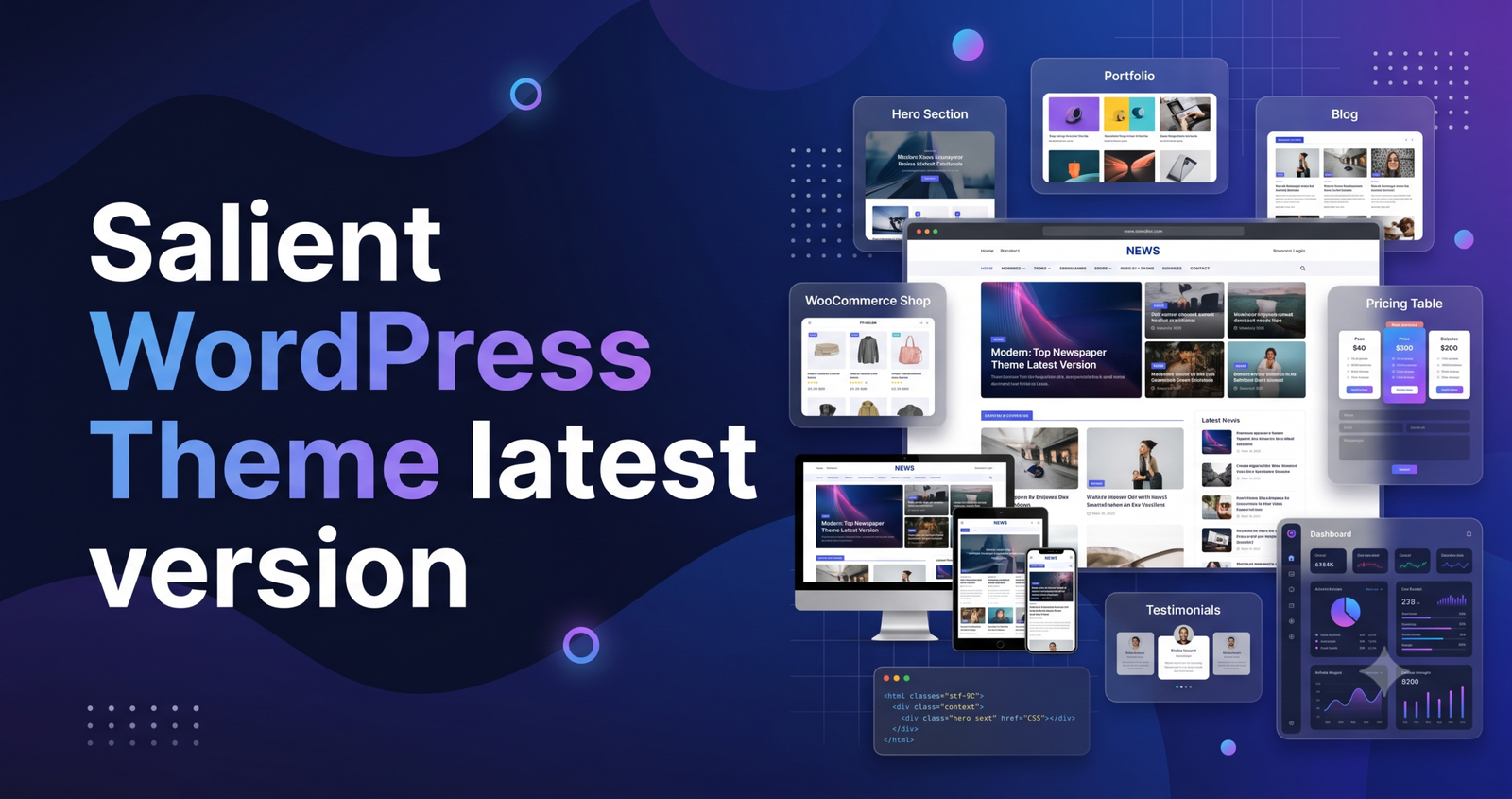
For creative agencies, portfolio-based businesses, and high-end WooCommerce stores, the Salient WordPress Theme remains one of the most respected frameworks in the Envato marketplace. It is a “Power Elite” multi-purpose theme known for its award-winning design, proprietary animations, and deep-level visual customization.
It is vital to understand that Salient is a premium, licensed product. It is not available for free. Websites offering a “Salient WordPress Theme Latest Version Free Download” are typically distributing pirated, “nulled,” or modified versions. These files often contain malicious scripts, backdoors, or outdated code that can permanently compromise your site’s security, destroy your SEO rankings, and prevent you from receiving the essential developer updates required to stay compatible with WordPress 7.0+.
The Architecture: Why Salient Stands Out
Unlike themes that rely on third-party heavy hitters like Elementor, Salient is built on a custom, high-performance version of WPBakery Page Builder, supercharged by the “Nectar” engine.
- Creative Freedom: With 50+ pre-built demo concepts, it provides a high-fidelity foundation for photographers, agencies, and e-commerce stores.
- Unique Interactive Elements: Salient features exclusive tools like “Shape Dividers,” “Cascading Images,” and “Multi-layer Mouse-based Parallax” that are not found in standard themes.
- Deep WooCommerce Integration: It offers proprietary shop grid styles, AJAX cart functionality, and single-product layout builders that provide a premium shopping experience without needing extra plugins.
- Regular Updates: With over 10 years of consistent development, the framework is kept secure, bug-free, and aligned with modern web standards through official update streams.
Professional Deployment & Performance Tuning
Because Salient is a feature-rich “creative” theme, it performs best when you actively manage its resource footprint. Follow this professional deployment strategy:
1. Server Configuration Standards
To ensure the WPBakery builder saves smoothly and the AJAX search functions correctly, your hosting must meet these specifications:
- PHP Version: 8.2 or 8.3.
- Memory Limit: 256M (Minimum), 512M (Recommended).
- Max Input Vars: 5000+.
- Execution Time: 150+ seconds.
2. The “Lean” Optimization Protocol
Salient includes a native Performance Tab in its theme options. This is your primary tool for speed:
- Delay JavaScript Execution: This is the most critical setting. It prevents the theme’s heavy animations and scripts from loading until the user interacts with the page (scrolling or tapping).
- Local Google Fonts: Enable the “Load Google Fonts Locally” option to eliminate external DNS lookups, which are a major cause of high “Time to First Byte” (TTFB) and render-blocking issues.
- Optimize Top-level Images: Enable this in the theme’s performance panel to ensure your hero images are pre-loaded and sized correctly for the user’s viewport.
3. Strategic Plugin Usage
Do not install every plugin listed in the theme’s welcome wizard. Deactivate plugins like Revolution Slider if you are not using them—static images or CSS-based animations are significantly faster and easier to optimize.
Performance Comparison: Salient vs. The Industry
| Metric | Salient Theme | Modern Block-Based (FSE) Themes |
| Editing Interface | Advanced Visual Builder (WPBakery+) | Native Gutenberg Blocks |
| Performance | Needs manual optimization (via Performance Tab) | Inherently Lightweight |
| Best For | High-end visual portfolios & creative agencies | Content-heavy blogs & SEO sites |
| Updates/Support | Official/Reliable (via Envato) | Community-driven or Premium |
Frequently Asked Questions (FAQ)
1. Is there an official free version of Salient?
No. Salient is a premium theme exclusively available on ThemeForest. Using a "free download" found on the web is a security risk; it bypasses the official update system and leaves your site vulnerable to new exploits.
2. How do I update Salient safely?
Purchase the license from ThemeForest and use the official Envato Market plugin. This creates a secure "bridge" between your site and the developer’s update server, allowing you to click "Update" directly from your dashboard.
3. Does Salient conflict with performance plugins?
It can. If you use a plugin like WP Rocket, ensure you enable "Delay JavaScript Execution" in the theme settings first, and then exclude Salient’s files from your caching plugin’s optimization to prevent "double-optimization" conflicts.
4. Can I use Salient for a high-traffic e-commerce store?
Yes. Salient’s WooCommerce integration is excellent. For high-traffic stores, ensure you are using an Object Cache like Redis to prevent the database from becoming a bottleneck during high sales volume.
Disclaimer: This information is for educational purposes. For a professional, high-converting website, always purchase your software from official sources. Official licenses guarantee the security patches, lifetime updates, and developer support necessary for a long-term digital business.
How is your progress going with building out your portfolio site? Would you like a list of specific "hook" locations to optimize your call-to-action placement?