
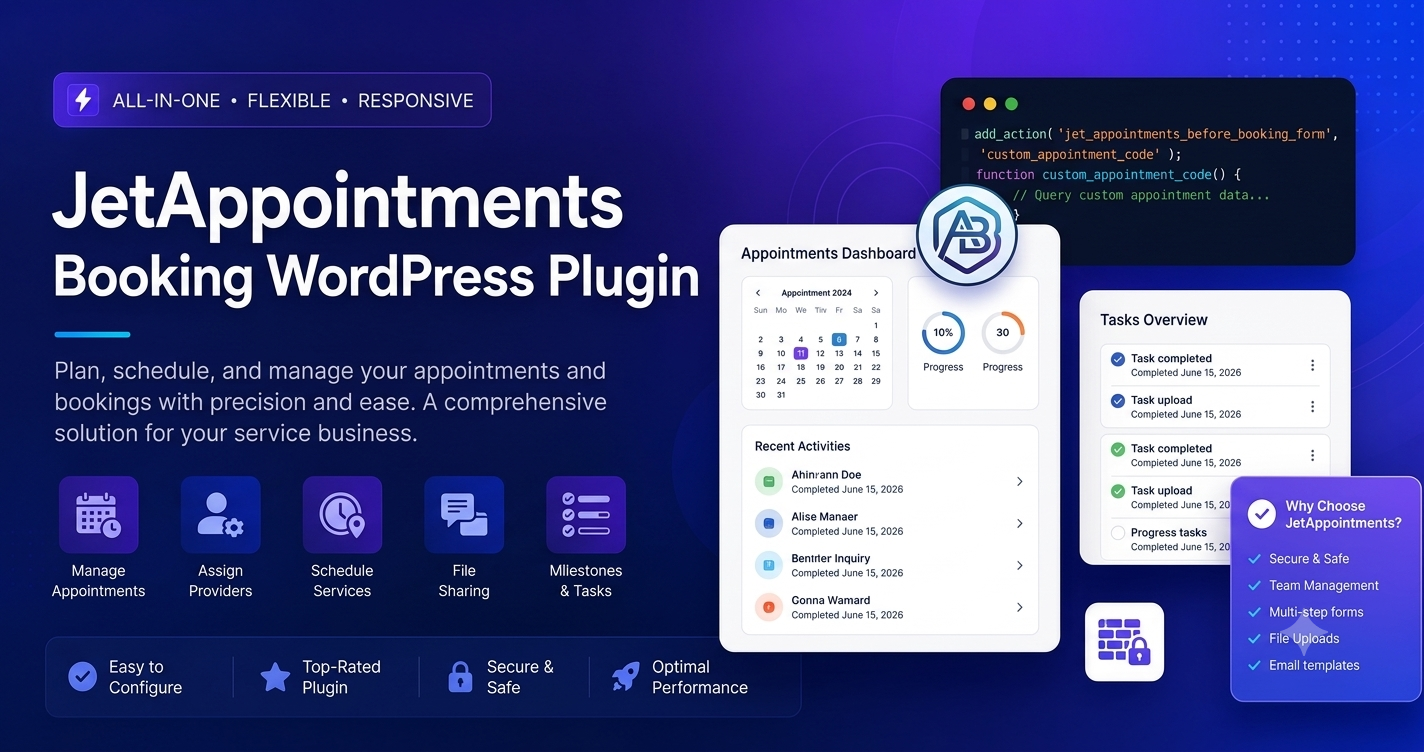
In the professional service industry, your ability to manage client schedules is directly tied to your revenue. Whether you run a medical clinic, a law firm, a salon, or a consultant service, JetAppointments has become the essential tool for building a high-conversion booking engine directly within WordPress.
If you are researching the JetAppointments booking WordPress plugin, this guide explains how this powerful solution transforms your site into a fully automated appointment scheduler.
What Makes JetAppointments Stand Out?
JetAppointments is part of the JetPlugins suite designed for the Elementor page builder. Its core strength lies in its deep integration with the WordPress ecosystem. It doesn’t just add a calendar to your page; it turns your entire website into a reservation management system.
1. Flexible Setup for Any Business
Unlike generic booking forms, JetAppointments is highly granular. You can define:
- Service Providers: Allow clients to choose specific staff members.
- Custom Service Durations: Set variable times for different types of appointments.
- Buffer Times: Automatically add padding between meetings to give your team time to reset.
- Dynamic Schedules: Easily manage working hours, breaks, and holidays.
2. Full Elementor Integration
For designers and agencies, this is the killer feature. You can use Elementor widgets to build your own custom booking forms. You aren’t limited to a pre-set, “off-the-shelf” look; you can design a booking experience that matches your brand’s typography, color scheme, and layout perfectly.
3. WooCommerce Synergy
JetAppointments connects seamlessly with WooCommerce. This means you can require deposits, accept full payments at the time of booking, or offer free consultations—all while using your existing payment gateway (like Stripe or PayPal) to manage the financial transaction.
Core Features for Professional Schedulers
| Feature | Functionality |
| Custom Fields | Add specific questions to the booking form (e.g., “Reason for visit”). |
| Email Notifications | Automated confirmation, reminder, and cancellation emails. |
| Dashboard Management | A clean backend area for staff to manage all appointments. |
| Admin Controls | Manually approve or reject bookings on the fly. |
| WooCommerce Integration | Secure, built-in payment processing for bookings. |
Why Professional Sites Require Official Licenses
When searching for the latest version of powerful plugins like JetAppointments, it is vital to source them through the official Crocoblock repository.
Why Avoid Unofficial Sources:
- Security Integrity: Booking plugins handle sensitive client data (names, emails, appointment times). Using unverified, “free download” versions exposes this data to potential breaches.
- Plugin Conflicts: JetAppointments relies heavily on other plugins (like JetEngine). Official versions guarantee that these dependencies remain compatible during WordPress and Elementor updates.
- Access to Support: Scheduling systems are complex. Having access to the official support desk can save you hours of downtime if you run into a configuration issue with your database or payment gateways.
- Automatic Updates: The landscape of eCommerce and appointment scheduling changes fast. Official licenses ensure you receive instant updates for new features and patches.
Best Practices for Your Booking Workflow
- Map Your Process: Before installing the plugin, define your service categories and provider availability. JetAppointments performs best when you have a clear plan for your working hours.
- Optimize for Mobile: Most clients will book appointments on their phones. Since JetAppointments is built for Elementor, use the mobile-responsive settings to ensure your calendar is perfectly sized for small screens.
- Automate Reminders: Use the built-in notification settings to send automated email reminders 24 hours before an appointment. This is the simplest way to reduce “no-show” rates.
- Test the Payment Flow: If you are charging for appointments, perform a test checkout using a sandbox mode in your payment gateway to ensure the transaction triggers the booking confirmation correctly.
Final Thoughts
JetAppointments is a transformative tool for any service-based business. By automating your scheduling, you free up your team to focus on serving your clients rather than managing your inbox.
Pro Tip: Use the “Custom Fields” feature to collect key information from your clients before they arrive. This shortens your intake process and makes your service sessions significantly more efficient.
Frequently Asked Questions (FAQs)
1. Do I need to be a developer to use JetAppointments?
Not at all. While it is a sophisticated tool, the setup wizard guides you through the process, and its visual interface within Elementor makes it accessible for non-coders.
2. Can I manage multiple staff members?
Yes. JetAppointments is specifically designed to handle "provider" roles, allowing clients to see availability for different team members and pick the one that suits them best.
3. Does it sync with Google Calendar?
Yes, it can be integrated with other systems to ensure your availability is always up to date across all your devices.
4. Is it compatible with other JetPlugins?
JetAppointments is designed to be used alongside JetEngine. This allows you to create custom post types for your services and link them directly to the booking functionality.
Invest in a reliable scheduling system to provide a professional, seamless experience that keeps your clients coming back.