
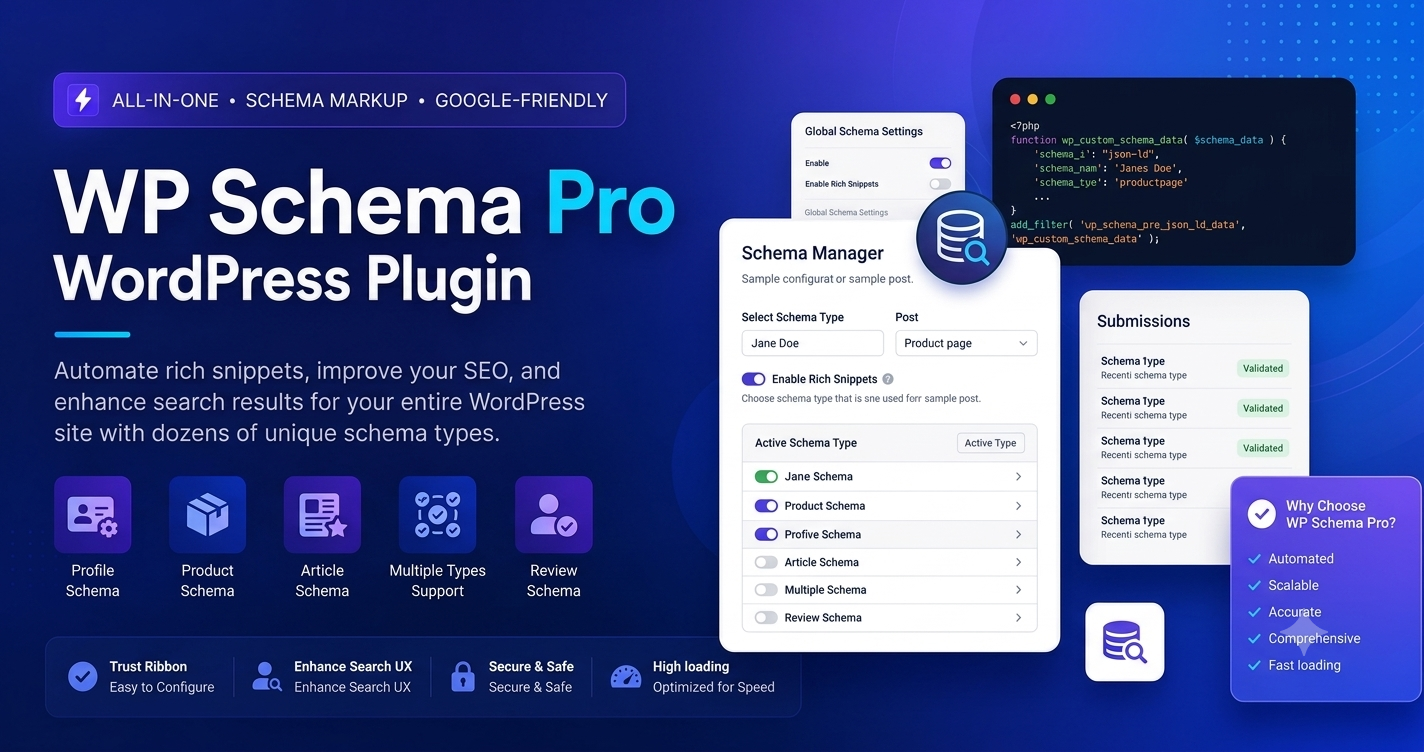
If you are a WordPress site owner, the WP Schema Pro WordPress plugin is the gold standard for automating this process. This guide provides a deep dive into why this tool is essential, how to set it up, and how it can help you dominate the search engine results pages (SERPs).
Why Structured Data is the Backbone of Modern SEO
Structured data, or “schema markup,” is a vocabulary of tags you can add to your HTML to improve the way search engines interpret your content. Think of it as a set of labels you attach to your information. Instead of Google having to “guess” that your page is a product, a recipe, or an article, schema tells it explicitly: “This is the product name, this is the price, and this is the star rating.”
When you provide this explicit data, search engines reward you by displaying your content in a richer format. This is critical for several reasons:
- Higher CTR: Rich snippets occupy more physical space on the search page, making them naturally more eye-catching.
- Trust and Authority: Star ratings and review counts act as social proof, showing users that your content is verified by others.
- Voice Search Readiness: As users rely more on AI assistants, schema helps these systems pull specific, relevant answers from your site.
What is WP Schema Pro?
WP Schema Pro is a premium WordPress plugin designed to automate the implementation of structured data. It was built with a core philosophy: zero coding required. While adding schema manually is possible, it is technically difficult and incredibly time-consuming to maintain.
WP Schema Pro allows you to set up global rules for your entire website. If you have a blog with 500 articles, you can apply “Article” schema to every single one in just a few clicks. It is lightweight, efficient, and fully compliant with Google’s JSON-LD standards.
Key Features That Make WP Schema Pro Essential
1. 100% Automation via Global Rules
The standout feature of this plugin is its ability to map data globally. You do not have to touch every post. Once you create a schema rule, you can tell the plugin to apply it to all posts, specific categories, or even specific pages. If you add a new post later, the schema is applied automatically.
2. Full Suite of Schema Types
WP Schema Pro supports over 20+ types of schema, including:
- Product: Perfect for e-commerce, showing price and availability.
- Recipe: Essential for food bloggers to display cooking times and ingredients.
- Review: Ideal for affiliate marketers showing star ratings.
- Local Business: For physical businesses like clinics or restaurants.
- Job Posting: For companies hiring talent.
- Event: For planners and organizations.
3. JSON-LD Implementation
Google explicitly prefers the JSON-LD format for structured data. WP Schema Pro generates this code natively and places it in the backend, meaning it has zero impact on your site’s frontend design or visual layout.
4. Advanced Field Mapping
The plugin’s visual setup wizard allows you to map your existing WordPress fields—like your post title, author name, or featured image—to the corresponding Schema fields. If you use custom plugins like Advanced Custom Fields (ACF), WP Schema Pro can pull that data too.
Step-by-Step Configuration Guide
To ensure your SEO implementation is error-free, follow these steps:
Step 1: Installation and Registration
- Download the zip file from your account dashboard.
- Navigate to Plugins > Add New > Upload Plugin in your WordPress backend.
- Upload and activate the plugin.
- Copy your license key from your account dashboard and paste it into the Schema Pro > License section to unlock all features and updates.
Step 2: Creating Your First Schema Markup
- Go to Schema Pro > Schemas and click “Add New”.
- A setup wizard will appear. Choose your desired Schema Type (e.g., “Product”).
- Choose your Display Rules. This is where you tell the plugin where to add the schema (e.g., “All posts in the Electronics category”).
- Once saved, you will be taken to the Schema Settings screen. Here, the plugin will attempt to auto-map your existing content fields.
Step 3: Verification
Once configured, navigate to the frontend of one of your targeted posts. Look for the “Test Schema” link in your WordPress admin bar. Clicking this will automatically open Google’s Rich Results Test tool, allowing you to see exactly how your markup looks to Google.
Best Practices and Troubleshooting
Troubleshooting Schema Errors
If Google’s testing tool returns an error (like a missing “price” or “author” field), check your Schema Settings in the plugin. Ensure that all required fields (marked with an asterisk) are correctly mapped to your content.
Compatibility
WP Schema Pro works hand-in-hand with major SEO plugins like Yoast SEO and Rank Math. It does not conflict with them; rather, it complements them by handling the schema markup that those plugins might not cover.
Performance Tip
While the plugin is lightweight, avoid applying multiple, conflicting schema types to the same page. Google prefers clear signals. Focus on the primary purpose of the page—if it’s a product page, stick to “Product” schema.
Frequently Asked Questions (FAQs)
Q: Does WP Schema Pro slow down my website?
A: No. It only injects small, efficient JSON-LD scripts into the head of your document. It does not load external libraries, making it one of the fastest schema solutions available.
Q: Is it compatible with WooCommerce?
A: Yes, it is fully optimized for WooCommerce. It automatically maps your WooCommerce product data (price, SKU, availability, reviews) to the appropriate schema fields.
Q: Can I use it on client websites?
A: Yes, the plugin is perfect for agencies. You can easily manage schema implementation for multiple client websites using a single agency-level license.
Q: Why choose the Pro version?
A: While there are free schema plugins, they often lack global automation. WP Schema Pro’s ability to set a rule once and have it work across thousands of pages is the primary reason professionals choose it.
Q: What if Google doesn’t show my rich snippets?
A: Keep in mind that Google ultimately decides whether or not to display rich snippets based on their own algorithms. Schema Pro provides the data in the format they require, which is the most critical step to becoming eligible.