
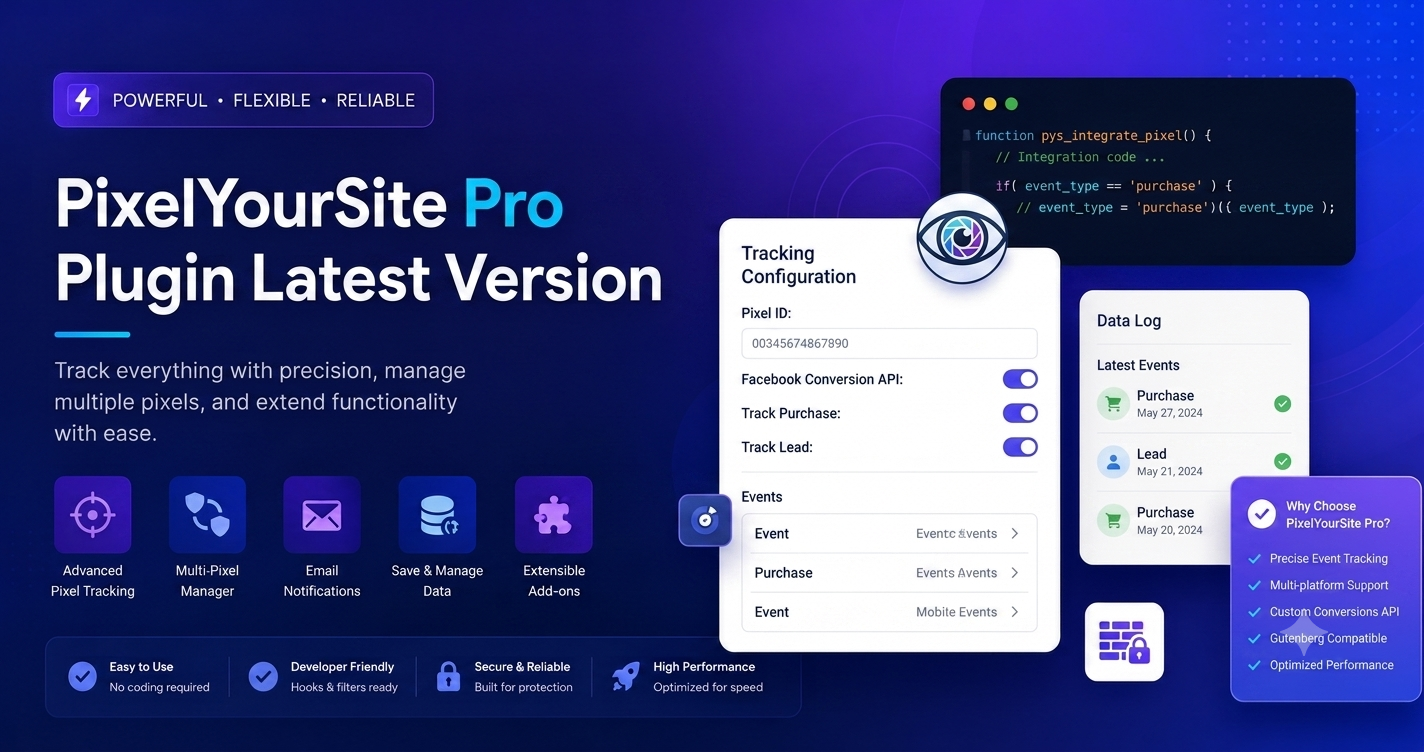
In the high-stakes world of digital marketing, “data is king.” If you are running paid advertising campaigns on Facebook, Google, TikTok, or Pinterest, your ability to scale depends entirely on the accuracy of your tracking data. Every time a customer adds an item to their cart but doesn’t buy, or views a product page but leaves, you need to know about it.
PixelYourSite Pro is the industry-leading solution that ensures your WordPress site tracks every meaningful interaction, empowering your ad algorithms to find your most profitable customers.
Why You Need a Dedicated Tracking Manager
Modern ad platforms (Meta, Google, TikTok) rely on “Pixels” or “Tags”—small snippets of code that sit on your website to watch what users do. However, managing these pixels manually is a nightmare. If you paste them directly into your theme files, you risk breaking your site, causing duplicates, or losing your tracking data every time you change themes.
Furthermore, privacy changes (like iOS 14+ tracking restrictions and ad-blockers) have made browser-based tracking less reliable. To succeed in 2026, you need Server-Side Tracking (Conversions API). PixelYourSite Pro bridges this gap, providing a robust, centralized, and compliant tracking environment.
What Makes PixelYourSite Pro the “Pro” Standard?
While the free version of PixelYourSite is excellent for basic pixel installation, the Pro version is built for professionals and e-commerce stores that require deep, granular data.
1. Multi-Platform Synchronization
Why manage five different plugins to track five different ad platforms? PixelYourSite Pro allows you to manage everything from one dashboard:
- Meta Pixel (Facebook) with Conversions API (CAPI) support.
- Google Analytics (GA4) with Enhanced E-commerce.
- Google Ads with Enhanced Conversions.
- TikTok Pixel with Events API.
- Pinterest and Bing (Microsoft) Tags.
- Reddit Pixel.
2. Deep WooCommerce & EDD Integration
This is where the plugin truly pays for itself. PixelYourSite Pro doesn’t just track that a user visited your site; it tracks what they did. It automatically fires “Add to Cart,” “Initiate Checkout,” and “Purchase” events with full product data—including item IDs, values, currencies, and categories. This data is what allows ad platforms to build “Dynamic Remarketing” ads, showing users the exact products they just looked at.
3. Server-Side Tracking (Conversions API)
Browser ad-blockers are a major threat to your ROI. By using the Facebook Conversions API (and others), PixelYourSite Pro sends data directly from your server to the ad platform’s server. This data is invisible to ad-blockers, ensuring you don’t lose track of your conversion data. It drastically improves your “Event Match Quality” (EMQ) score, which lowers your cost-per-result.
4. Custom Event Builder
Not all conversions are purchases. Maybe you want to track when a user clicks a “Request a Quote” button, scrolls 50% down a long-form sales page, or clicks a specific outbound affiliate link. PixelYourSite Pro’s custom event builder allows you to track these interactions with clicks—zero JavaScript coding required.
Step-by-Step Configuration: Getting Started
Step 1: Centralized Installation
Once you activate the plugin, head to the PixelYourSite menu in your WordPress sidebar. You will see a dedicated tab for each platform. Simply paste your Pixel ID or API Token into the respective fields.
Step 2: Configuring WooCommerce Events
If you have an e-commerce store, ensure the “WooCommerce” settings tab is enabled.
- Enable Product Parameters: This ensures the ad platform knows the specific value of the product being sold.
- Deduplication: The plugin handles the deduplication between the browser pixel and the server-side API automatically, so you don’t report the same sale twice.
Step 3: Setting Up Custom Events
Navigate to the “Events” tab. Click “Add New Event.” You can trigger an event based on a “Page Visit,” a “Click” (using a CSS selector), or a “Scroll.” Define the trigger, set the event name (e.g., “NewsletterSignup”), and save. It’s that simple.
Troubleshooting & Optimization Best Practices
- Avoid Double-Firing: If you are migrating to PixelYourSite Pro from another plugin or hard-coded snippets, ensure you remove the old code. Running two tracking scripts simultaneously will result in duplicated conversion data, which will confuse your ad algorithms.
- GDPR and Consent: Use the plugin’s built-in “Consent Mode” integration. If you use a cookie banner plugin (like ConsentMagic), PixelYourSite Pro will respect user choices, firing pixels only after the user clicks “Accept.”
- Test with Browser Extensions: Download the official “Meta Pixel Helper” and “Google Tag Assistant” browser extensions. Click through your site as a customer would, and verify that all events fire correctly in the helper panels.
Final Thoughts
Marketing without accurate tracking is like flying a plane in a fog. PixelYourSite Pro clears the fog, giving you the crystal-clear data you need to optimize your campaigns, lower your customer acquisition costs, and scale your revenue. By centralizing your tracking, enforcing server-side reliability, and automating e-commerce events, you can spend more time focusing on your ad creative and strategy—and less time debugging code.
Frequently Asked Questions (FAQs)
Q: Does PixelYourSite Pro slow down my website?
A: It is designed with performance in mind. Because it handles multiple platforms in one go, it is significantly lighter than running 5–6 separate tracking plugins. It also includes settings to delay script execution if you are using a caching plugin.
Q: Can I use this for non-WooCommerce sites?
A: Absolutely. While it excels at e-commerce, it is equally powerful for lead-generation sites, blogs, and SaaS platforms. You can use it to track form submissions, user registrations, and general page engagement.
Q: What if I don't know how to set up the Conversions API?
A: The plugin documentation provides a step-by-step walkthrough for generating your Access Token in Facebook Business Manager. It is a one-time setup that pays dividends in data accuracy.
Q: Is it better than using Google Tag Manager (GTM)?
A: It is a perfect companion to GTM. You can use PixelYourSite Pro to push data into the GTM Data Layer, allowing you to use GTM for complex triggers while still benefiting from the plugin's automatic WooCommerce and event tracking.
Q: Why is the Pro version recommended over free alternatives?
A: The Pro version is essential for its Conversions API (server-side), advanced e-commerce revenue reporting, and the ability to track multiple IDs per platform. If your ad spend exceeds $500/month, the data accuracy provided by the Pro version will pay for itself in improved ad performance alone.