
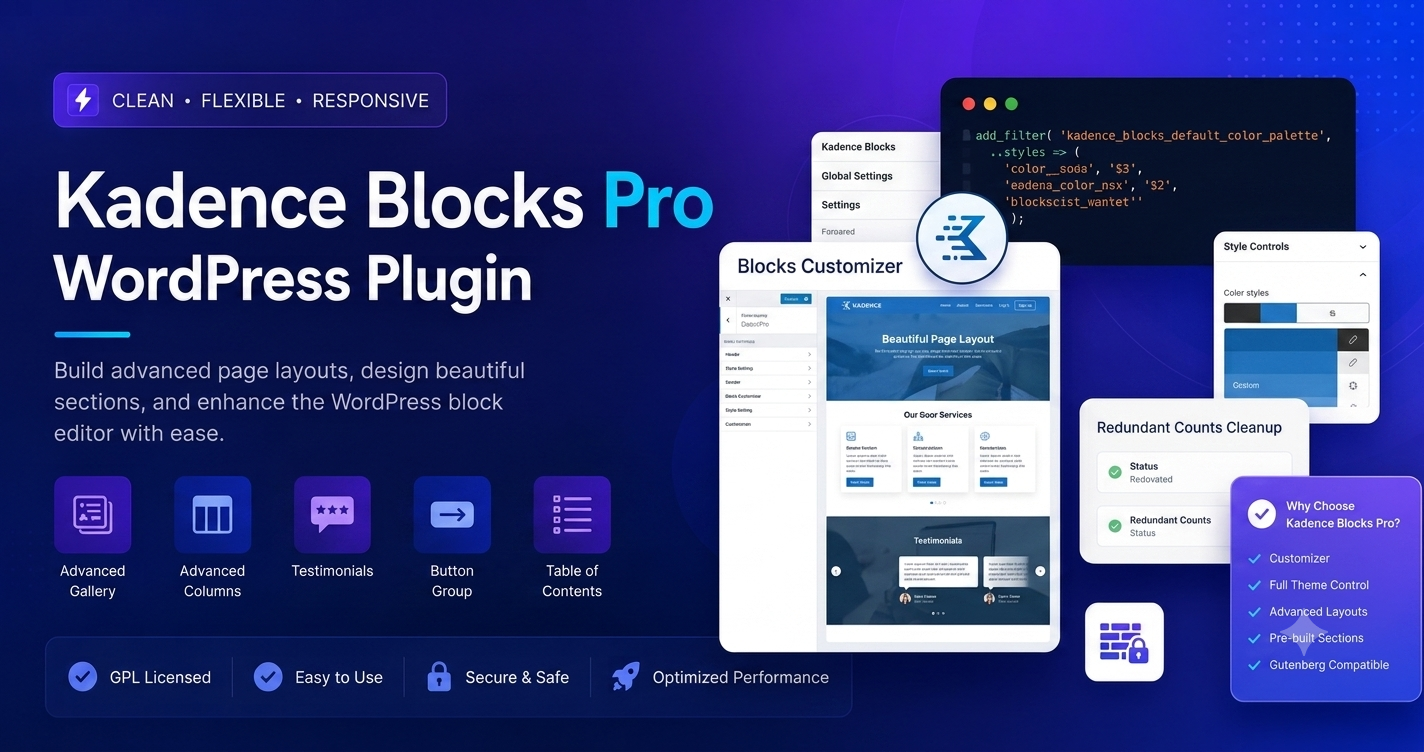
In the competitive world of web design, the battle is often fought between “creative freedom” and “site performance.” Traditionally, page builders like Elementor or Divi allowed for stunning designs, but often at the cost of “bloat”—large amounts of unnecessary code that slowed down page loading speeds. Kadence Blocks Pro has changed the game by offering a high-performance, professional-grade design toolkit that lives natively within the WordPress Block Editor (Gutenberg).
If you are looking to build high-converting landing pages, custom layouts, or professional portfolios without sacrificing your Google Core Web Vitals scores, Kadence Blocks Pro is the industry’s most respected solution for 2026.
Why Kadence Blocks Pro is the Professional’s Choice
Kadence Blocks Pro doesn’t just add “more blocks” to your editor; it transforms the native WordPress editing experience into a full-scale design environment. It bridges the gap between simple blogging and complex web development.
1. Performance-First Architecture
Unlike legacy page builders that load heavy libraries across your entire site, Kadence uses “Intelligent Load.” This means the plugin only loads the CSS and JavaScript files for the specific blocks used on the page you are currently viewing. If you aren’t using a countdown timer or a modal on your “About” page, that code doesn’t load. This lean approach keeps your site fast, stable, and search-engine friendly.
2. Advanced Dynamic Content
This is the “killer feature” for developers and agencies. With Kadence Blocks Pro, you can pull data dynamically from custom fields (using plugins like Advanced Custom Fields or MetaBox). This allows you to build complex site architectures—like real estate directories, course platforms, or job boards—where the content automatically populates inside your pre-designed blocks.
3. Professional Design Library
Building from scratch is time-consuming. Kadence Blocks Pro provides access to a premium Design Library containing hundreds of professionally crafted patterns, sections, and full-page layouts. You can import these sections with a single click and rebrand them instantly to match your color palette and typography, shaving hours off your development time.
High-Converting Features for Your Landing Pages
To maximize conversions, your landing pages need to be interactive, visually compelling, and trustworthy. Kadence Blocks Pro offers specific tools designed to turn visitors into buyers:
- Animate on Scroll: Add subtle, professional animations to your elements as the user scrolls down the page. It makes your site feel modern and keeps the user engaged.
- Video Popups: Instead of embedding a large video that slows down your page, use a Video Popup block. This displays a lightweight thumbnail that triggers a high-quality video in a modal box only when clicked.
- Advanced Forms: Create beautiful, high-converting contact and lead-generation forms directly in the editor. You don’t need a separate, heavy form plugin when Kadence can handle your marketing capture needs.
- Countdowns & Progress Bars: Use these to create urgency and social proof. “Evergreen” countdowns, which reset for every individual visitor, are particularly effective for driving sales.
- Image Overlays & Modals: Enhance your calls-to-action (CTAs) with modal boxes that can contain any content—from subscription forms to full project showcases.
Getting Started: A Quick Configuration Guide
- Foundation: Ensure the free Kadence Blocks plugin is installed and active. Kadence Blocks Pro is an extension of this core plugin.
- Installation: Download the Pro zip file from your Kadence account, upload it via Plugins > Add New, and activate it.
- Automatic Licensing: With the latest Kadence licensing system, you don’t even need to enter a key. As long as your site is associated with your account, the premium features are unlocked automatically.
- Global Design: Before building individual pages, set your Global Color Palette and Typography in the WordPress Customizer. Because Kadence blocks are “theme-aware,” they will automatically adopt these styles, ensuring your brand stays consistent across the entire site.
- Utilize Wireframes: Use the “Wireframes” feature in the design library to quickly sketch out your page structure before you worry about images or colors.
Troubleshooting & Best Practices
- Responsive Control: Always use the responsive editing icons in the editor sidebar. Kadence allows you to set different font sizes, margins, and padding for Desktop, Tablet, and Mobile. Check your layout on all three before clicking “Publish.”
- Avoid Over-Styling: While the design options are nearly limitless, keep your layout clean. Excessive use of shadows, animations, and overlays can distract the user from your primary goal: the CTA button.
- Update Regularly: Kadence releases frequent updates to keep up with WordPress Core changes. Keeping the Pro plugin updated ensures you stay compatible with the latest features of the Block Editor.
Frequently Asked Questions (FAQs)
Q: Is Kadence Blocks Pro compatible with the Kadence Theme?
A: Yes, it is built to work in perfect harmony with the Kadence Theme. While you can use these blocks with any theme, using them with the Kadence Theme gives you the best performance and the most cohesive design control.
Q: Does it replace Elementor?
A: For most users, yes. Because Gutenberg is now the native WordPress editor, using Kadence Blocks provides a more "future-proof" way to build sites that won't suffer from the compatibility issues or performance bottlenecks common with third-party page builders.
Q: Can I use it on multiple client sites?
A: Yes, Kadence offers agency-friendly licensing, making it a favorite for designers who build multiple sites.
Q: What if I am not a developer?
A: Kadence was built for everyone. The interface is intuitive, and the Design Library allows you to build professional-looking pages just by clicking and dragging pre-made sections.
Q: Will it slow down my site compared to the free version?
A: While Pro adds more features, it still adheres to the "Intelligent Load" architecture. You will not notice a performance hit on pages where you aren't using the advanced Pro-only blocks.