
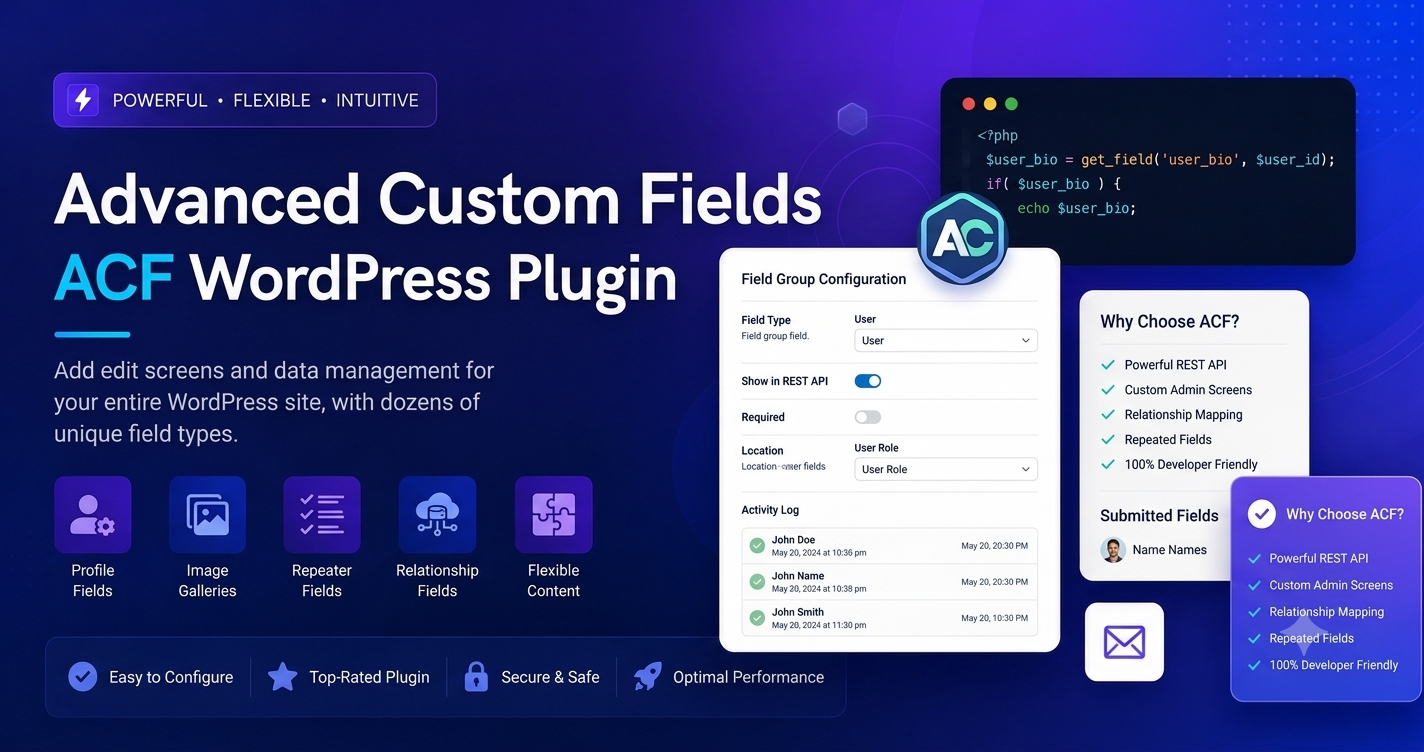
Modern WordPress development is no longer about just writing blog posts; it is about managing complex data structures. Whether you are building a custom directory, a real estate portal, or a unique e-commerce experience, the standard WordPress editor often falls short. Advanced Custom Fields (ACF) is the ultimate solution that turns your WordPress site into a powerful, data-driven Content Management System (CMS).
Core Benefits
- Total Data Control: Add custom fields (text, images, files, repeaters) to any post type, taxonomy, or user profile.
- Developer-Friendly Workflow: Build complex layouts once and reuse them across your entire theme using intuitive PHP or block-based functions.
- Client-Ready Interfaces: Create clean, simplified edit screens for your clients, hiding the “clutter” of the standard WordPress dashboard and showing them only the fields they need to fill.
Technical Deep-Dive: Beyond The Basics
ACF moves beyond simple meta boxes. With its Field Builder, you can create sophisticated data relationships without touching a line of SQL.
- Field Groups: Organize your inputs into logical groups and use “Location Rules” to show them only on specific pages (e.g., only on “Portfolio” items).
- The Repeater Field: A Pro-level feature that allows you to create rows of data (like a team member list or a product feature table) that can be added dynamically by users.
- Seamless Integration: ACF integrates perfectly with the WordPress block editor, allowing you to use “ACF Blocks” to create your own custom Gutenberg blocks with pure PHP.
Best Practices For Implementation
- Use Location Rules Wisely: Don’t clutter every page with unnecessary fields. Apply them only where they are needed to keep your database lean.
- Avoid Over-Coding: Use ACF’s native
get_field()andthe_field()functions. They are optimized and safe, ensuring your theme remains stable even during WordPress core updates. - Back Up Before Major Changes: If you are refactoring how your fields are displayed or changing your database schema, always keep a full site backup.
Final Verdict
ACF is not just a plugin; it is an essential toolkit for any professional WordPress developer. It provides the structure necessary to scale a website from a simple blog to a massive, custom-built application.
Frequently Asked Questions (FAQs)
Q: Does ACF slow down my website?
A: No. ACF is highly optimized. It only loads the necessary data when it is called, making it faster than many other database management plugins.
Q: Do I need to be a developer to use ACF?
A: You can use the basic fields with minimal knowledge, but to truly unlock its power, some basic familiarity with PHP is recommended.
Q: Is ACF compatible with Page Builders?
A: Yes. Most modern page builders (like Elementor or Bricks) have native integration with ACF, allowing you to pull your custom fields into their design elements easily.