
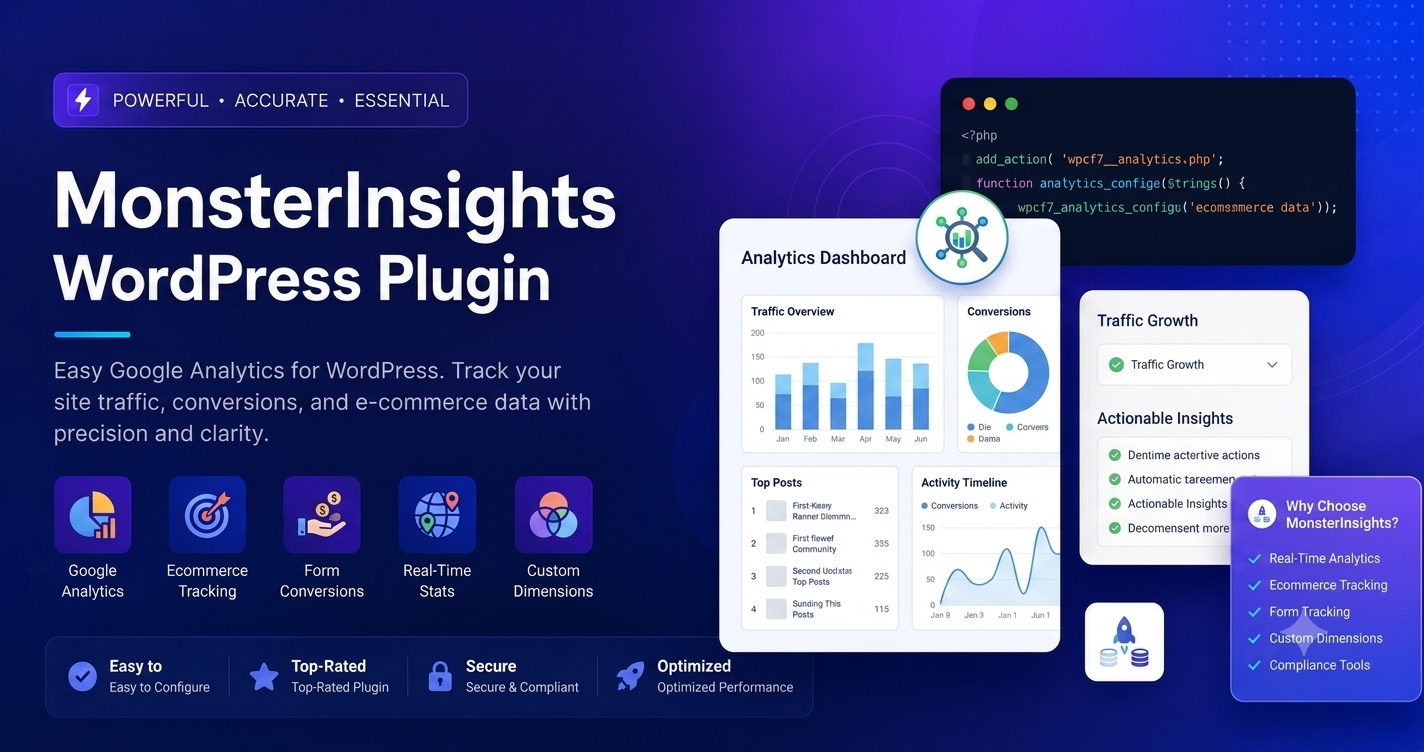
In the data-driven world of 2026, launching a website is only the beginning. The real challenge—and the key to scaling your business—is understanding how your visitors interact with your content. Most website owners feel overwhelmed by the complexity of Google Analytics 4 (GA4). Navigating the raw interface of GA4 often feels like trying to find a needle in a haystack. MonsterInsights wordpress plugin removes this hurdle, serving as the bridge that brings your critical analytics data directly into your WordPress dashboard.
The Core Power Of MonsterInsights
MonsterInsights is not merely a tracking code installer; it is a full-featured analytics suite designed to make professional-grade data accessible to everyone. By centralizing your metrics, it eliminates the need for manual coding, complex Tag Manager setups, or constant switching between multiple browser tabs.
Key Benefits:
- Zero-Coding Setup: Connect your site to Google Analytics in under five minutes with a simple, guided wizard.
- WordPress-Native Reporting: View audience, behavior, and conversion reports without leaving your site.
- Enhanced E-commerce Mastery: Automatically track sales, conversion rates, and revenue for WooCommerce, Easy Digital Downloads, and more.
- Privacy First: Built-in compliance tools ensure your analytics align with GDPR, CCPA, and other global privacy regulations automatically.
Technical Deep-Dive: Advanced Tracking Capabilities
The true power of MonsterInsights lies in its ability to automate “advanced” tracking that Google Analytics often hides behind complicated configuration layers.
1. Automated Event Tracking
Out of the box, GA4 struggles to track specific user interactions like file downloads or outbound link clicks without custom tagging. MonsterInsights handles this automatically. It monitors every download and click, feeding that data back into your dashboard so you know exactly which resources your visitors find valuable.
2. Form Conversion Reporting
Leads are the lifeblood of most businesses. MonsterInsights’ Forms Addon detects most major contact form plugins (like WPForms) and tracks conversion rates automatically. You’ll see which forms are performing well and which are failing, allowing you to optimize your lead generation strategy based on hard data rather than intuition.
3. Custom Dimensions
For power users, MonsterInsights supports “Custom Dimensions.” This allows you to track unique metadata, such as which authors generate the most traffic, which categories are the most popular, or even how well your SEO-optimized focus keywords are actually ranking in real-world traffic patterns.
4. E-commerce Funnel Analysis
If you run an online store, the “Funnel Report” is your most valuable asset. It visualizes the entire path from product view to “Add to Cart” and final purchase. By identifying exactly where customers drop off, you can fix leaks in your checkout process and increase your store’s profitability.
Best Practices For Data Accuracy
To get the most out of your analytics, follow these professional-grade setup tips:
- Implement Consent Management: If you have an international audience, ensure your cookie notice plugin is synced with MonsterInsights. The plugin’s EU compliance module makes this seamless, allowing you to pause tracking until consent is granted.
- Regular Dashboard Audits: Use the custom dashboard widget to pin the metrics that matter most—such as “Real-Time Traffic” or “Top Landing Pages”—so you can spot trends as they happen.
- Leverage Search Console Integration: Don’t rely solely on Analytics. Connect your Google Search Console via MonsterInsights to see the exact search queries driving traffic to your content. This connects your “Traffic” data to your “Ranking” data, providing a complete SEO picture.
Final Verdict
For any WordPress site owner who wants to grow, data is not optional—it is the roadmap to success. MonsterInsights succeeds because it makes complex data simple. By providing a clean, actionable view of your store or blog’s performance, it allows you to stop guessing and start making strategic decisions that directly increase your traffic and revenue.
Frequently Asked Questions (FAQs)
Q: Does MonsterInsights slow down my website performance?
A: No. The plugin is built with a focus on speed. It uses lightweight, asynchronous loading techniques to ensure your analytics tracking does not negatively impact your page load times or Core Web Vitals.
Q: Can I use MonsterInsights with Google Tag Manager?
A: Yes. While MonsterInsights handles most tracking natively, it is fully compatible with GTM. You can use it as a base layer for your analytics while keeping GTM for more complex, custom tagging needs.
Q: Is it difficult to migrate to MonsterInsights if I already have tracking code?
A: It is very straightforward. Once you set up MonsterInsights, the wizard will help you detect and remove conflicting tracking snippets to ensure you aren't double-tracking data, which could otherwise skew your reports.
Q: Can I see real-time data?
A: Yes, one of the most popular features of MonsterInsights is the Real-Time Report, which displays who is on your site at this exact moment and which pages they are currently viewing.
Q: Do I need the Pro version for basic analytics?
A: No, the free version is robust enough for basic traffic reporting and connecting your site to GA4. However, the Pro version is highly recommended if you require E-commerce tracking, advanced form conversion data, or deep affiliate link monitoring.