
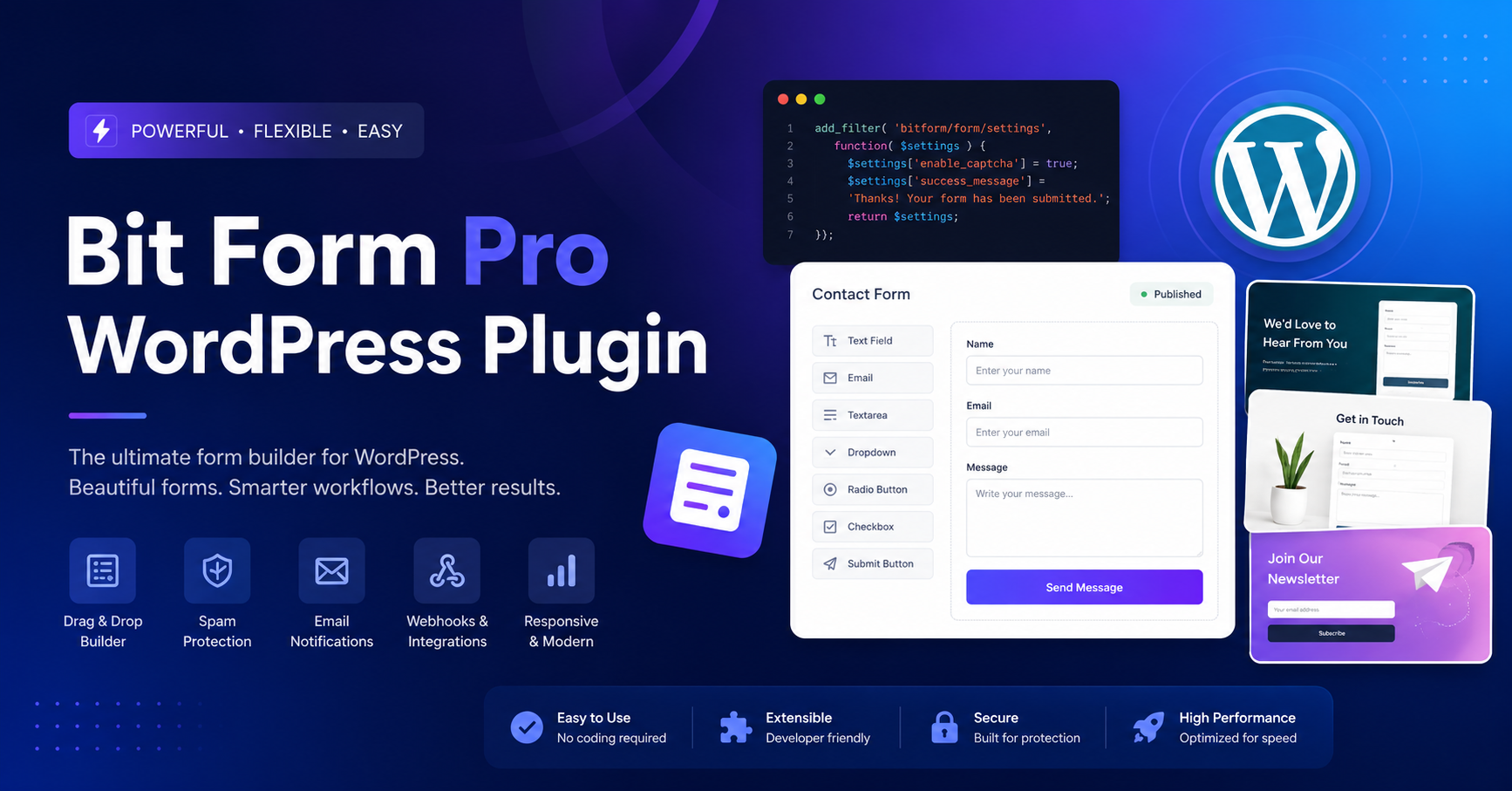
In the crowded market of 2026, finding a form builder that doesn’t bloat your website is a challenge. Most advanced plugins come with a heavy performance cost, but the Bit Form WordPress Plugin is engineered specifically for speed, loading as little as 15–20 KB of JavaScript and CSS.
It is a comprehensive, all-in-one solution designed for both beginners who need a simple contact form and advanced users building complex, automated lead-capture systems.
Why Bit Form Stands Out
Bit Form balances a user-friendly drag-and-drop interface with enterprise-level capabilities, making it a standout choice for WordPress professionals.
- Exceptional Performance: Unlike many competitors, Bit Form is built to be lightweight, ensuring that your site remains fast and search-engine friendly.
- Massive Field Library: It provides over 40–50 multipurpose form fields, including advanced options like signature capture, currency fields, and file uploads.
- Conditional Logic & Calculations: The plugin “thinks” for you; you can create smart forms that show or hide fields based on user input and perform real-time calculations, which is perfect for quote or order forms.
- Design Flexibility: With a built-in custom style editor and support for various themes, you can match your forms to your website’s branding without writing custom CSS.
The Power of Automation and Integration
What truly separates Bit Form from the pack is its deep commitment to automation. By using its sister plugin, Bit Integrations, you can connect your forms to over 180+ third-party platforms—such as Google Sheets, HubSpot, Mailchimp, and Zoho CRM—entirely for free.
- Workflow Automation: You can trigger automated tasks directly from form submissions, such as notifying your team via Telegram or syncing leads to your CRM, without needing any coding knowledge.
- Partial Submission Capture: Don’t lose leads just because a user didn’t hit “submit.” Bit Form’s abandonment feature allows you to draft and save user input, significantly boosting your conversion rates for longer forms.
- Security First: Keep your site safe with built-in honeypot traps, IP controls, and support for Google reCAPTCHA v2/v3, hCaptcha, and Cloudflare Turnstile.
Strategic Implementation for WordPress Professionals
- Start with Multi-Step Forms: Use the multi-step feature to break complex surveys into smaller, digestible pages. This reduces user fatigue and creates a sense of progress that encourages completion.
- Automate Lead Scoring: You can use conditional logic within Bit Form to score leads based on their responses, allowing you to prioritize follow-ups for “hot” prospects before they lose interest.
- Leverage Front-End Editing: Bit Form allows users to view and edit their submissions directly from the front end, making it an excellent tool for user profile updates or registration management.
Frequently Asked Questions (FAQs)
Q: Is Bit Form really free?
A: Yes. The free version is incredibly generous and includes unlimited forms, unlimited submissions, and access to over 38 free form fields and essential integrations.
Q: Do I need coding skills to use it?
A: Not at all. Its drag-and-drop builder is designed for everyone, from beginners to experienced developers.
Q: Is it compatible with page builders like Elementor or Divi?
A: Absolutely. Bit Form is designed to work harmoniously with all major WordPress page builders.
Q: Can I collect payments?
A: Yes. You can easily collect payments through PayPal, Stripe, Mollie, and Razorpay integrations.