
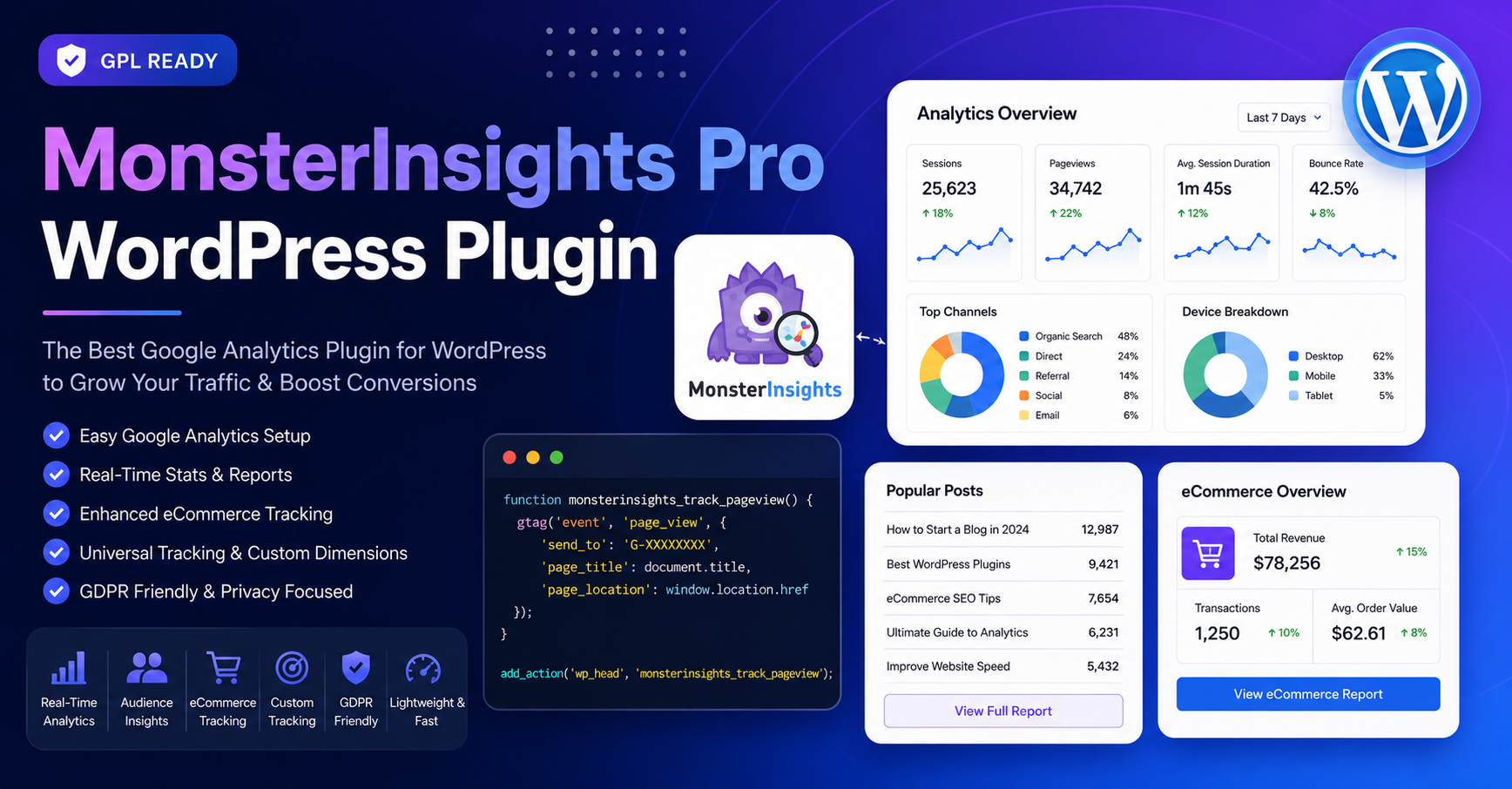
In the digital landscape of 2026, understanding your audience through data is the cornerstone of any successful online strategy.
MonsterInsights is widely recognized as the most popular Google Analytics plugin for WordPress, designed to bridge the gap between complex analytical data and actionable insights directly within your dashboard. By removing the need for manual code insertion or complex tag manager configurations, it allows site owners to track performance with ease.
Understanding the Licensing: Lite vs. Pro
It is vital to clarify a common misconception regarding software availability: MonsterInsights Pro is a premium, paid product and does not have an official “free download” version.
- MonsterInsights Lite (Free): The company offers a legitimate, unlimited free version of the plugin called “MonsterInsights Lite”. This version is perfect for bloggers and small business owners who need foundational analytics, including Google Analytics 4 (GA4) integration, outbound link tracking, and basic demographic data.
- MonsterInsights Pro (Premium): The Pro, Plus, and Elite tiers are paid subscriptions that unlock advanced features such as eCommerce tracking, custom dimension reporting, detailed form conversion stats, and priority support.
- The Danger of “Nulled” Downloads: Searching for “MonsterInsights Pro free download” often leads to third-party sites offering “nulled” or cracked software. These unauthorized files are frequently compromised with malicious code, backdoors, or malware that can irreparably damage your website’s security and SEO rankings. Always obtain software directly from the official MonsterInsights website to ensure the integrity of your site.
Why Professionals Choose MonsterInsights
For those who choose to invest in the premium version, MonsterInsights provides a centralized hub for data that would otherwise require deep technical expertise to aggregate.
- Unified Dashboard: Instead of toggling between your website and the Google Analytics platform, you can view real-time stats, page-level performance, and traffic sources directly inside your WordPress admin area.
- Simplified eCommerce Tracking: With one-click integrations for platforms like WooCommerce, MemberPress, and Easy Digital Downloads, the plugin automatically handles the complex tracking required to monitor sales and cart abandonment.
- Privacy-First Design: In an era of strict data regulations, MonsterInsights includes automated features to help your site align with GDPR, CCPA, and other major privacy laws without requiring manual configuration.
- Enhanced Ad Tracking: The Pro version simplifies PPC management, allowing you to track conversion pixels for Meta, LinkedIn, Pinterest, TikTok, and Microsoft Ads without touching your theme files.
Strategic Implementation Best Practices
- Focus on Performance: If you are on shared or low-resource hosting, be mindful that heavy analytics suites can consume server resources. Only enable the tracking features you actively use to keep your site’s speed optimal.
- Leverage Email Summaries: Utilize the automated weekly email summaries to stay informed about your site’s performance without the need to constantly log into your dashboard.
- Use Site Notes: Take advantage of the “Site Notes” feature to annotate significant events—such as when you launch a new marketing campaign or update your site design—so you can visually correlate those changes with performance trends in your reports.
Frequently Asked Questions (FAQs)
Q: Does MonsterInsights Lite ever expire? A: No, MonsterInsights Lite is completely free to use for as long as you want with no time limitations.
Q: Can I upgrade to Pro later? A: Yes, you can upgrade from the Lite version to a Pro license at any time. The process is seamless and will not affect any historical data already collected in your Google Analytics account.
Q: Is it compatible with all WordPress themes? A: Yes, MonsterInsights is compatible with all standard WordPress installs and functions independently of your active theme.
Q: Does it work on WordPress.com? A: It is compatible with WordPress.com only if you are on the Business plan, which permits the installation of third-party plugins.