
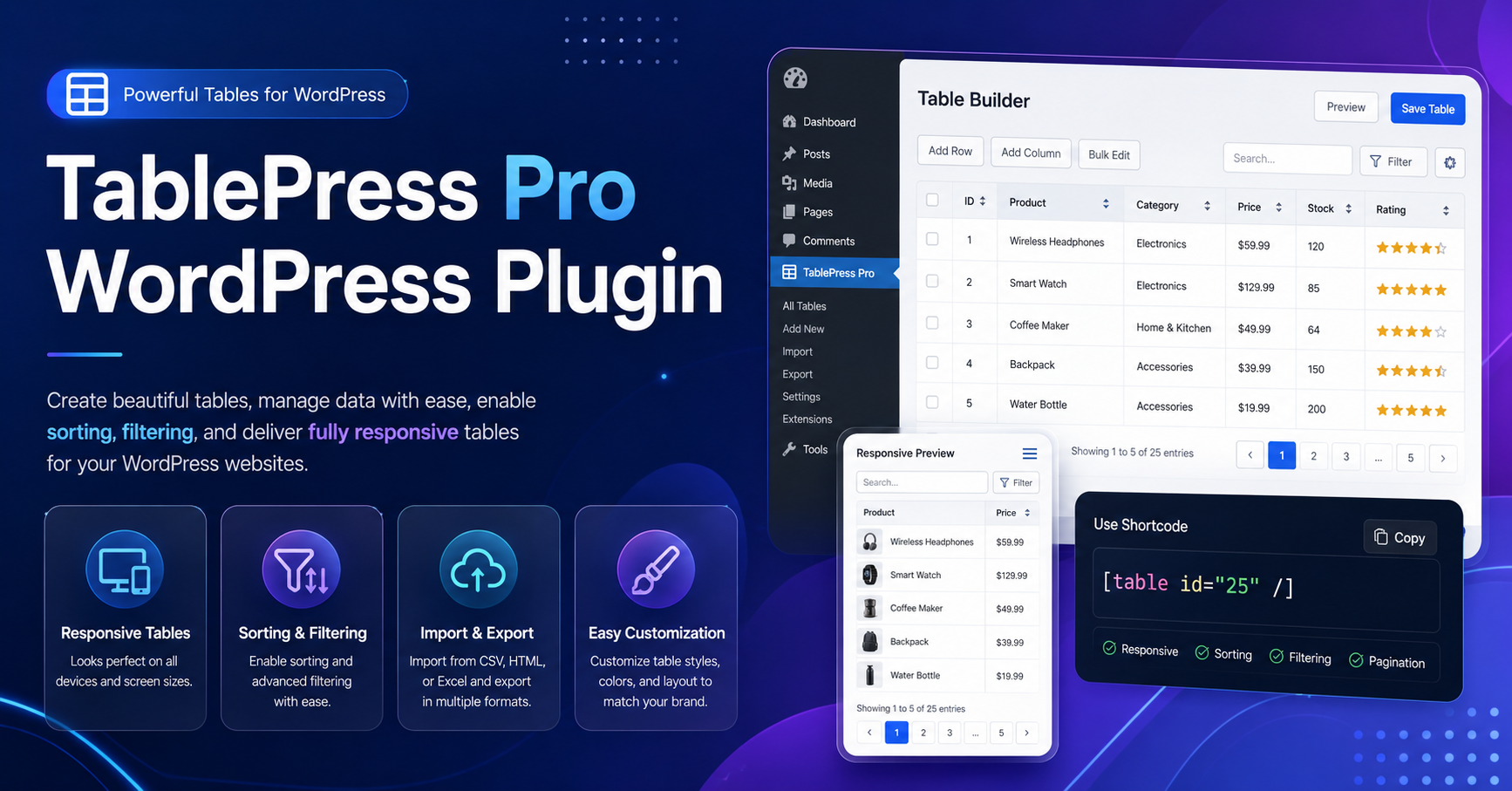
The TablePress pro wordpress plugin is a powerful table-management solution for WordPress users who want to create clean, structured, responsive, and SEO-friendly tables without writing complicated code. TablePress is especially useful for comparison tables, pricing tables, product specification tables, data tables, directories, schedules, ranking lists, and spreadsheet-style content.
TablePress has a free version available from WordPress.org, but TablePress Pro is not a free plugin. The official TablePress page explains that the plugin is free but offers paid commercial upgrades and support. This distinction is important because users searching for “TablePress Pro free download” may accidentally land on unsafe nulled plugin websites.
Is TablePress Pro Free?
No, TablePress Pro is a paid upgrade. However, the basic TablePress plugin is available for free from WordPress.org. The free version includes table management, unlimited tables, accessible and SEO-friendly tables, block/widget/shortcode embedding, importing from files and URLs, exporting tables, math formulas, basic table options, and manual styling with CSS.
As of the latest WordPress.org listing, TablePress version 3.3.2 has 600,000+ active installations, requires WordPress 6.7 or higher, is tested up to WordPress 7.0, and requires PHP 7.4 or higher.
So, if you need a free WordPress table plugin, use the official free TablePress version. If you need premium features, buy the official TablePress Pro or Max plan.
Why TablePress Is Popular for WordPress Tables
Many WordPress users struggle with tables because the default editor is not always enough for complex data. TablePress solves this problem by giving you a dedicated table editor inside the dashboard.
You can create tables, manage rows and columns, import spreadsheet files, export data, and place tables inside posts or pages using the TablePress block, Elementor widget, or shortcode.
This makes it useful for bloggers, affiliate marketers, SaaS websites, local business sites, ecommerce stores, educational websites, and review websites.
Key Features of TablePress Free Version
1. Unlimited Tables
The free version allows unlimited tables, which is helpful for content-heavy websites publishing comparison pages, product lists, or resource directories.
2. Easy Table Embedding
You can insert tables using the TablePress block in the WordPress block editor, widgets, Elementor, or shortcodes.
3. Import and Export Options
TablePress supports importing tables from files and URLs and also allows table exports. This is useful when moving spreadsheet data into WordPress.
4. SEO-Friendly Data Tables
Structured tables can improve content readability and user experience. The TablePress pricing page specifically mentions accessible and SEO-friendly tables in the Basic/free feature set.
5. Manual Styling with CSS
If you know basic CSS, you can customize table appearance without needing a heavy page builder.
What Does TablePress Pro Add?
TablePress premium plans add advanced features for larger tables and professional use cases. According to the WordPress.org listing, premium license plans can include responsive tables, advanced filtering and search, fixed table headers and columns, automatic periodic imports, custom styling options, and priority email support.
These features are valuable when your table content needs to work smoothly on mobile devices, support larger data sets, or update automatically.
Best Use Cases for TablePress Pro
TablePress Pro is best for websites that publish structured data regularly. This includes affiliate comparison websites, product review blogs, pricing pages, software comparison articles, sports statistics, course schedules, restaurant menus, directories, and financial tables.
For example, an affiliate website comparing WordPress hosting plans can use TablePress Pro to create sortable pricing tables. A local business directory can use filtering. A data-heavy website can use fixed headers to improve readability.
Security Disclaimer: Avoid Nulled TablePress Pro Downloads
Do not download TablePress Pro from nulled plugin websites. A nulled ZIP file can contain hidden malware, spam injections, redirect scripts, or backdoors that damage your SEO and compromise user data.
If you need free functionality, use the official free TablePress plugin. If you need Pro features, purchase the official premium license. Official versions are necessary for updates, support, security fixes, SEO stability, and data integrity.
Conclusion
The TablePress pro wordpress plugin is a strong choice for WordPress users who need professional tables, responsive layouts, filtering, searching, and advanced table control. The free TablePress plugin is excellent for basic tables, while TablePress Pro is better for serious websites that rely on large, dynamic, or mobile-friendly tables.
For safe use, download the free version only from WordPress.org and purchase Pro only from the official TablePress website. Avoid nulled copies completely.
FAQs
Is TablePress Pro free?
No. TablePress Pro is a paid upgrade. The basic TablePress plugin is free on WordPress.org.
Can I use TablePress without coding?
Yes. You can create and manage tables from the WordPress dashboard without coding.
Is TablePress good for SEO?
Yes, when used properly. TablePress can create accessible and SEO-friendly tables, but your table content still needs to be useful and well-structured.
What is the difference between TablePress free and Pro?
The free version handles basic table creation and management. Pro adds advanced features like responsive tables, advanced filtering, fixed headers, and priority support.
Is it safe to download TablePress Pro from third-party websites?
No. Only use the official TablePress website for Pro downloads and WordPress.org for the free version.