
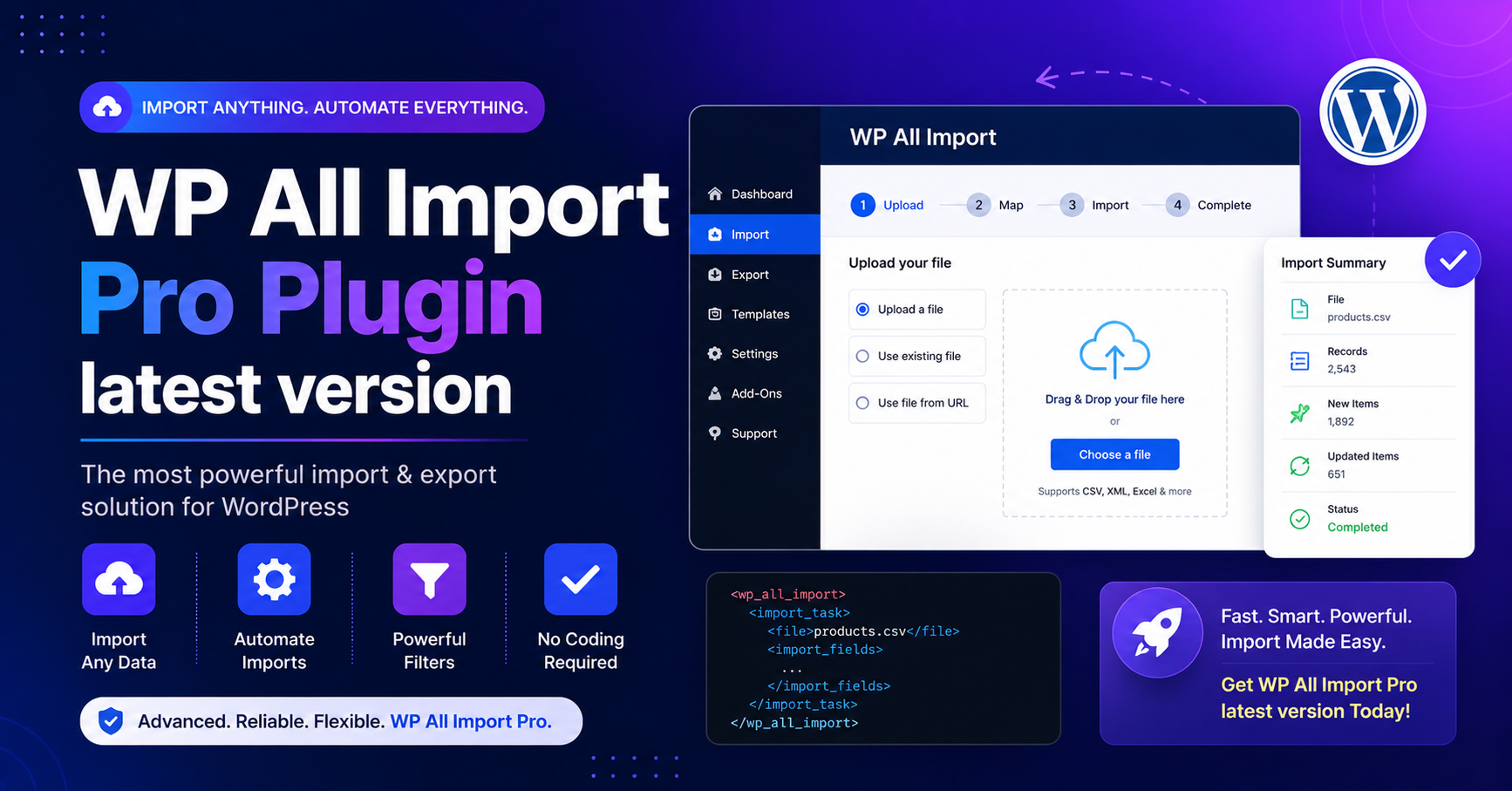
The wp all import pro latest version keyword is usually searched by WordPress users who want to import large amounts of data into WordPress, WooCommerce, custom post types, ACF fields, user profiles, product catalogs, XML feeds, CSV files, Excel files, or Google Sheets. WP All Import is one of the most popular WordPress import plugins because it gives users a visual drag-and-drop workflow for mapping external data into WordPress.
However, there is an important fact to understand first: WP All Import has a free plugin, but WP All Import Pro is a paid upgrade. The WordPress.org listing states that WP All Import Pro is a paid upgrade that includes premium support and adds features such as custom fields import, image gallery imports, file imports from URLs, recurring imports from external URLs, custom PHP functions, and guaranteed email support.
Is WP All Import Pro Free?
No. WP All Import Pro is not free. If you see a website offering “WP All Import Pro free download,” “nulled WP All Import Pro,” or “latest version GPL download,” be careful. Those files may be unsafe, modified, outdated, or unsupported.
The free version of WP All Import is available on WordPress.org. As of the latest WordPress.org listing, the free WP All Import plugin is version 4.1.0, has 100,000+ active installations, requires WordPress 5.0 or higher, is tested up to WordPress 7.0, and requires PHP 7.4 or higher.
For the Pro version, the official WP All Import Pro changelog currently shows version 5.0.5 with minimum WordPress version 5.0 and minimum PHP version 7.4.
What Does WP All Import Do?
WP All Import helps you import data into WordPress from XML, CSV, Excel, and Google Sheets. The official plugin page explains that it uses a four-step import process and a drag-and-drop interface, and it does not require your file elements to be arranged in a specific structure.
This makes it useful for:
- WooCommerce product imports
- Affiliate product feeds
- Real estate listings
- Job board listings
- Business directories
- Custom post type imports
- Blog migrations
- User imports
- Product image imports
- Bulk content updates
Key Features of WP All Import Free Version
1. CSV, XML, Excel, and Google Sheets Import
The free plugin supports importing XML, CSV, Excel spreadsheet, and Google Sheets files into WordPress. This helps users move structured data from spreadsheets or external systems into their website.
2. Drag-and-Drop Import Mapping
The plugin lets you map incoming data elements to WordPress fields using a visual interface. This is much easier than manually formatting data for the default WordPress importer.
3. Flexible File Structure
Your CSV file does not need specific column names. You can map columns to WordPress fields during the import process.
4. Large File Handling
WP All Import includes advanced settings to split imports into manageable chunks and adjust batch processing, which can help with large data files.
What WP All Import Pro Adds
WP All Import Pro is built for more advanced import workflows. It can import data to custom fields, download images from URLs into the media gallery, import files from external URLs, run recurring imports through cron jobs, execute custom PHP functions during import, and provide guaranteed email support.
The official pricing page also lists packages that include import/export features, custom fields and meta support, users support, developer tools, WooCommerce, ACF, Meta Box, JetEngine, Gravity Forms, and other add-ons depending on the selected plan.
Implementation Blueprint: How to Use WP All Import Safely
Step 1: Decide Free vs Pro
Use the free version if you need basic CSV, XML, Excel, or Google Sheets imports. Choose Pro if you need recurring imports, custom fields, image imports, WooCommerce imports, ACF fields, or advanced automation.
Step 2: Download from the Official Source
Install the free version from WordPress.org. For Pro, purchase and download from the official WP All Import website. Do not use nulled plugin websites.
Step 3: Prepare Your Import File
Clean your CSV, XML, Excel, or Google Sheet before import. Remove duplicate rows, fix broken URLs, confirm image links, and check encoding.
Step 4: Run a Small Test Import
Before importing thousands of records, test 5–10 rows. Confirm titles, descriptions, categories, images, custom fields, prices, SKUs, and taxonomies.
Step 5: Backup Your Website
Always create a full database and file backup before bulk imports. Import tools can create, update, or delete large amounts of data.
Step 6: Schedule Carefully
If using recurring imports, schedule them during low-traffic hours to reduce server load.
Pro-Tips for Better Imports
- Use unique identifiers such as SKU, ID, slug, or external reference number.
- Test imports on staging before running them on a live WooCommerce store.
- Keep image URLs stable before importing product galleries.
- Use smaller batches if your hosting server has low memory or strict time limits.
- Review imported data manually after every major import.
- Never import untrusted data without sanitizing it first.
Conclusion
The wp all import pro latest version plugin is a powerful solution for advanced WordPress imports, especially for WooCommerce products, XML feeds, CSV files, Excel spreadsheets, Google Sheets, custom fields, images, and recurring import workflows.
The free WP All Import plugin is available officially on WordPress.org, but WP All Import Pro is a paid upgrade. For safe performance, reliable updates, and SEO protection, avoid nulled downloads and use only official sources.
FAQs
Is WP All Import Pro free?
No. WP All Import Pro is a paid upgrade. The free WP All Import plugin is available on WordPress.org.
What is the latest WP All Import Pro version?
The official WP All Import Pro changelog currently shows version 5.0.5.
Can WP All Import import WooCommerce products?
Yes. WP All Import supports WooCommerce workflows through related add-ons and Pro packages.
Can I import CSV and XML files with the free version?
Yes. The free WP All Import plugin supports CSV, XML, Excel, and Google Sheets imports.
Is nulled WP All Import Pro safe?
No. Nulled plugins can contain malware and can harm your website security, SEO, rankings, and customer data.