
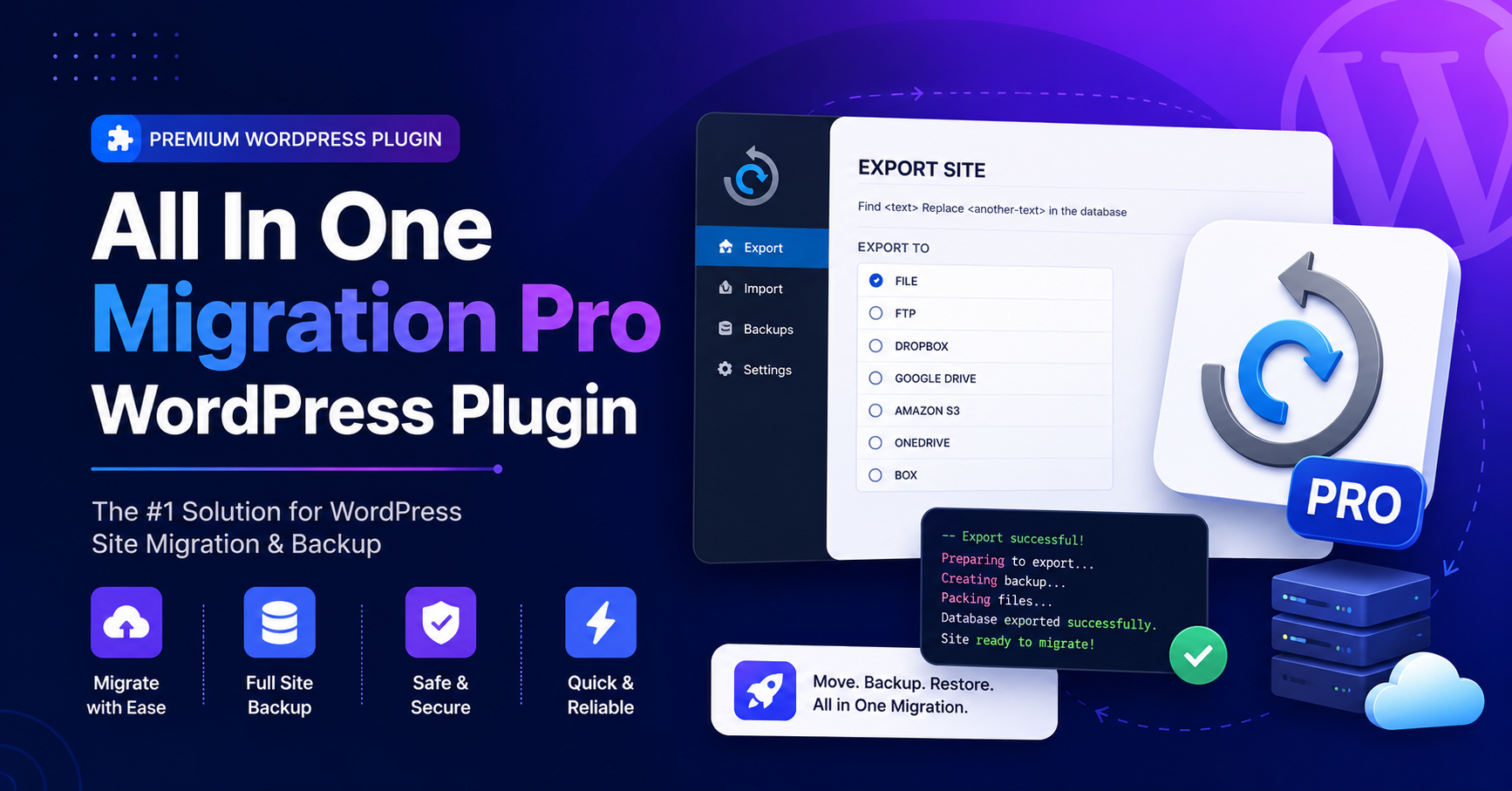
If you are planning to move a WordPress website from one host to another, create a full backup, or restore a website safely, All In One Migration Pro is one of the most searched plugin options. The official plugin name is All-in-One WP Migration and Backup, and it is developed by ServMask. The free version is available on WordPress.org, while advanced migration features are available through paid premium extensions and Pro add-ons. WordPress.org lists the free plugin as version 7.106, with 5+ million active installations, tested up to WordPress 7.0.
For users searching for All In One Migration Pro WordPress Plugin Free Download, it is important to understand the difference between the official free plugin and the paid Pro or premium extensions. The free plugin can handle basic WordPress migration and backup tasks, but premium extensions are designed for larger websites, cloud storage, multisite migration, scheduled backups, and advanced migration control.
What Is All In One Migration Pro?
All In One Migration Pro usually refers to the premium features connected with All-in-One WP Migration. The official free plugin helps you export your WordPress site into a .wpress file and import it into another WordPress installation. This export can include the database, media files, themes, and plugins. The WordPress.org description explains that the plugin supports full site migration, backup, restore, URL replacement, serialized data handling, and migration between hosting providers.
The Pro and premium extensions add more advanced capabilities. According to the official plugin listing, premium extensions can include unlimited migration size, cloud backup and migration, multisite migration, scheduled backups, and database filtering.
This makes the plugin useful for developers, agencies, bloggers, ecommerce stores, and business owners who need a reliable WordPress migration plugin.
Is All In One Migration Pro Free?
No, All In One Migration Pro is not fully free. The base All-in-One WP Migration plugin is free on WordPress.org, but Pro features and premium extensions are paid commercial upgrades. WordPress.org clearly marks the plugin as free with additional paid commercial upgrades or support.
If you only need to create a simple WordPress backup or migrate a small website, the free plugin may be enough. If your website is large or you need features like unlimited file size migration, cloud storage, WP-CLI support, multisite migration, or advanced restore options, you may need an official premium extension.
Avoid websites that offer “All In One Migration Pro free download,” “All-in-One WP Migration Unlimited Extension nulled,” or “All In One Migration Pro latest version free.” These files are risky and may contain malware.
Main Features Of All In One Migration Pro
Complete WordPress Website Migration
The plugin allows users to move a WordPress website from one location to another. This can include posts, pages, media, plugins, themes, and database content. For non-technical users, this is easier than manually exporting databases and transferring files through FTP.
One-Click Backup And Restore
The free version can create a complete website backup in a single .wpress file. This is helpful before changing themes, updating plugins, editing code, or moving to a new host.
Automatic URL Replacement
During migration, the plugin can update URLs and paths automatically. This helps avoid broken links, missing images, and serialized data issues after moving a site.
Premium Unlimited Migration Size
The official ServMask Unlimited Extension page explains that it can bypass hosting limits, override PHP upload limits, avoid execution timeouts, handle memory restrictions, and import backups of any size directly from the server.
Cloud Backup And Migration
Premium extensions can support cloud migration and backup workflows with providers such as Google Drive, Dropbox, Amazon S3, OneDrive, and more. This is useful for agencies and site owners who want off-site backups.
Multisite Migration Support
For WordPress multisite networks, premium options can help with more complex migration needs. This is important because multisite migration is usually more difficult than moving a single WordPress site.
Benefits Of Using All In One Migration Pro
The biggest benefit of All In One Migration Pro is simplicity. Manual WordPress migration can be stressful because it often involves database exports, file transfers, search-and-replace tools, DNS changes, and hosting limits. This plugin simplifies the workflow by packaging the website into a backup file and restoring it on another WordPress installation.
It is also useful for staging sites. You can move a live site to staging, test updates, and then migrate changes carefully. Developers can use it for client websites, theme demos, local development, and hosting transfers.
Another benefit is reduced technical risk. The official plugin is designed to handle database serialization and URL replacement, which are common causes of broken websites after migration.
Best Use Cases For All In One Migration Pro
All In One Migration Pro is useful for:
- Moving WordPress to a new hosting provider
- Creating a full WordPress backup
- Restoring a broken website
- Moving a local website to live hosting
- Migrating from staging to production
- Backing up WooCommerce stores
- Moving large websites
- Handling cloud backup workflows
- Managing client migrations
- Working with multisite networks
Related SEO terms for this article include WordPress migration plugin, WordPress backup plugin, All-in-One WP Migration, Unlimited Extension, migrate WordPress site, restore WordPress backup, WordPress site transfer, and cloud backup plugin.
Free Version Vs Pro Version
The free version is suitable for basic backup and migration needs. It is a good starting point for small websites, blogs, and simple business sites.
The Pro or premium extension setup is better for larger websites, agencies, ecommerce stores, multisite networks, and users who need fewer hosting restrictions. Premium features are especially useful when your server has upload limits, memory limits, or timeout problems.
If your goal is only a one-time small migration, test the free plugin first. If your website is large or business-critical, use official paid extensions instead of unsafe third-party files.
Security Disclaimer: Avoid Nulled All In One Migration Pro
Never download nulled or pirated versions of All In One Migration Pro. Migration plugins have deep access to your website files, database, uploads, themes, plugins, and sometimes user data. A modified migration plugin can create backdoors, steal database information, inject spam links, redirect visitors, or destroy your SEO rankings.
For site security, SEO protection, and data integrity, use only the official free plugin from WordPress.org or purchase premium extensions from ServMask. Official versions also provide safer updates and better compatibility with new WordPress releases.
Conclusion
All In One Migration Pro is a powerful solution for WordPress migration, backup, restore, and large-site transfer workflows. The free All-in-One WP Migration plugin is available on WordPress.org, while advanced Pro and premium features require official paid extensions.
If you need a simple WordPress migration plugin, start with the free version. If you need unlimited migration size, cloud backups, scheduled backups, multisite support, or advanced restore options, choose the official premium extension. Avoid nulled downloads because they can damage your website security, SEO, and data.
FAQs
Is All In One Migration Pro Free?
No. The base All-in-One WP Migration plugin is free, but Pro features and premium extensions are paid.
Can I Download All In One Migration Pro From WordPress.org?
You can download the free All-in-One WP Migration plugin from WordPress.org. Pro extensions are available from the official developer.
What Is All In One Migration Pro Used For?
It is used for WordPress migration, backup, restore, large website transfer, cloud migration, and multisite migration workflows.
Is All In One Migration Pro Safe?
Yes, if downloaded from official sources. Avoid nulled or modified plugin files.
Does The Free Version Support Large Websites?
The free version may be limited by hosting upload size, memory, and timeout restrictions. Premium extensions are better for large websites.