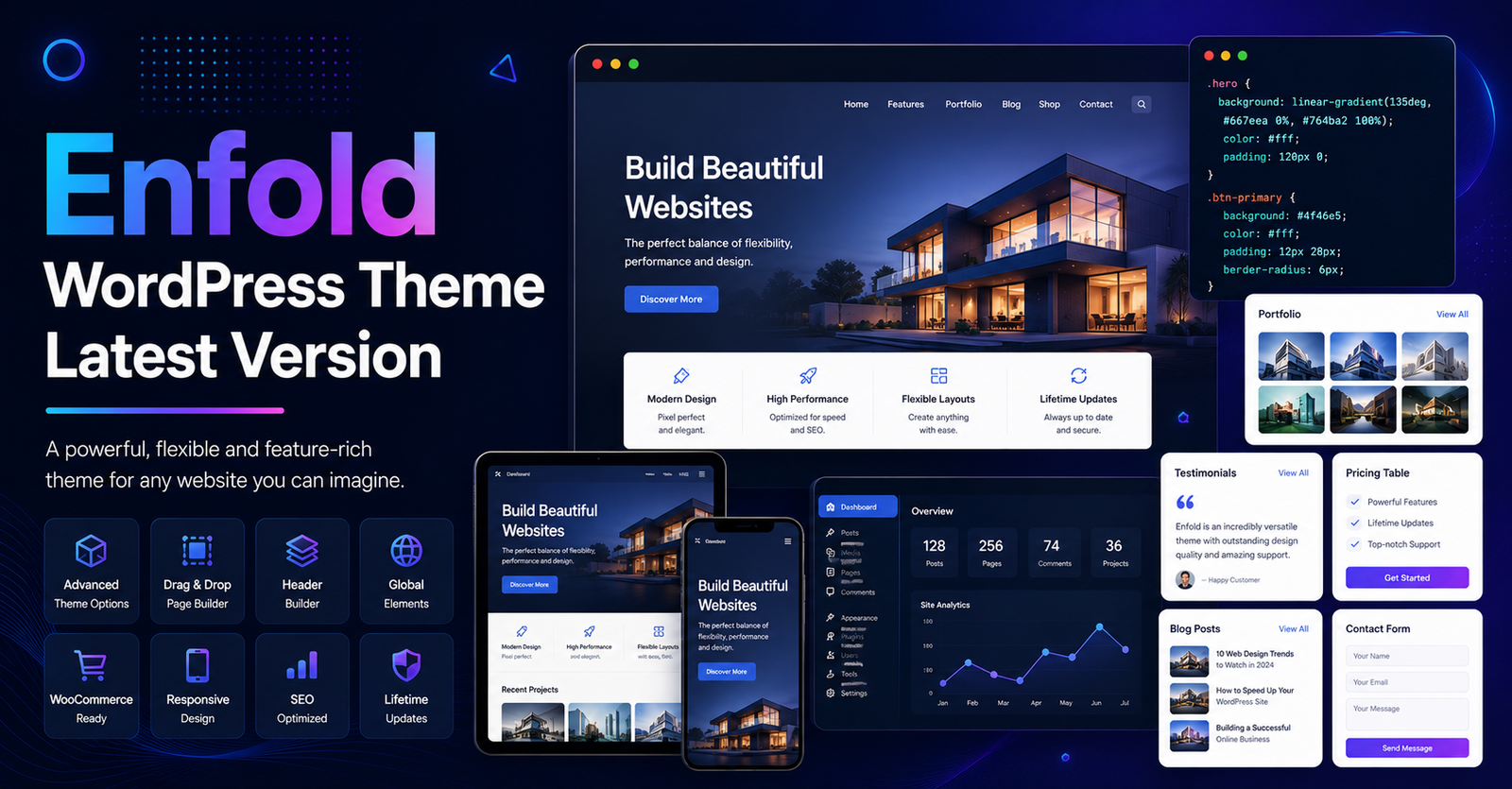
The Enfold WordPress Theme is a long-standing, professional-grade framework known for its stability, the proprietary Avia Layout Builder, and its extensive compatibility with enterprise-level plugins like WPML and WooCommerce. Unlike modern “block-based” (FSE) themes, Enfold utilizes a classic PHP architecture, making it a reliable choice for complex corporate sites or legacy projects that require deep customization without the overhead of newer, JSON-driven structures.
It is important to note that Enfold is a premium product. While you may encounter third-party sites offering “free downloads” under GPL licensing, these versions frequently lack direct support, access to the Kriesi theme-specific dashboard, and official update streams. For production-grade websites, purchasing the official license via ThemeForest is the only way to ensure security, receive bug fixes, and access the official documentation.
Technical Architecture: The Avia Layout Engine
Enfold does not rely on Gutenberg blocks or external page builders. It uses the Avia Layout Builder, which processes design elements via a dedicated shortcode engine.
- Customization Logic: Layouts are rendered based on your theme settings, which store data in the
wp_postmetatables. - Asset Management: Enfold generates dynamic CSS/JS files within your
/uploads/dynamic_avia/directory, which helps maintain site speed without requiring constant database queries. - Stability: Because it maintains a stable, classic code structure, it is highly resistant to “breaking” during major WordPress core updates.
Enterprise Deployment Blueprint
Because Enfold is a feature-rich “multi-purpose” theme, a bloated configuration can negatively impact your Core Web Vitals. Follow this protocol to keep your deployment lean:
1. Server Requirements
To ensure the Avia builder saves configurations correctly and the theme handles high-traffic loads, your server must meet these thresholds:
- PHP Version: 8.2 or 8.3 (Highly recommended for 2026 standards).
- Memory Limit: 512M (Enfold processes extensive data arrays).
- Max Input Vars: 6000 (Required for large menu and layout structures).
- Execution Time: 300 seconds.
2. Optimization Workflow
- CSS/JS Merging: In Enfold > Theme Options > Performance, set CSS and JS file merging/compression to “Merge and Compress.” This reduces the number of HTTP requests, significantly improving page load speeds.
- Pruning Assets: Disable the LayerSlider WP plugin if it is not core to your design. It is a known performance bottleneck. Use native CSS animations instead.
- Font Localization: To avoid external DNS lookups (which increase TTFB), download your chosen Google Fonts (as WOFF2 files) and host them locally in your
/uploads/directory.
Professional Audit: Enfold vs. Modern Frameworks
| Feature | Enfold (Classic) | Modern Block-Based (FSE) |
| Editing Style | Avia Layout Builder | Native Gutenberg Blocks |
| Code Base | Robust, Legacy-Compatible | JSON/Template-Part Focused |
| Customization | Deep PHP/Shortcode Hooks | Block-Pattern Based |
| Best For | Stable Corporate/Business Sites | High-Speed, SEO-Driven Blogs |
Frequently Asked Questions (FAQ)
1. Is there an official free version of Enfold?
No. Enfold is a premium theme exclusively sold through marketplaces like ThemeForest. Any "free download" found on third-party sites is usually a GPL-licensed file, which does not include official support or direct access to the developer’s update server.
2. Is Enfold compatible with Elementor?
Enfold is designed to function with its own Avia Layout Builder. While you can technically run Elementor alongside it, doing so is highly discouraged as it will cause severe performance degradation and "template bloat" due to conflicting layout engines.
3. How do I keep my site secure?
Always ensure you are running the latest version of the theme. Enfold frequently releases security patches for XSS vulnerabilities (e.g., versions 7.1.x and above). Update via your WordPress dashboard immediately when a new version is released.
4. Where can I find official documentation?
Always refer to the official Kriesi.at documentation for troubleshooting, as third-party tutorials are often outdated or rely on modified versions of the theme.
Disclaimer: For optimal site performance and security, it is strongly recommended to purchase the theme from official channels. Utilizing unofficial GPL downloads can expose your site to security risks, as these files may be modified or lack critical security patches provided by the original developer.