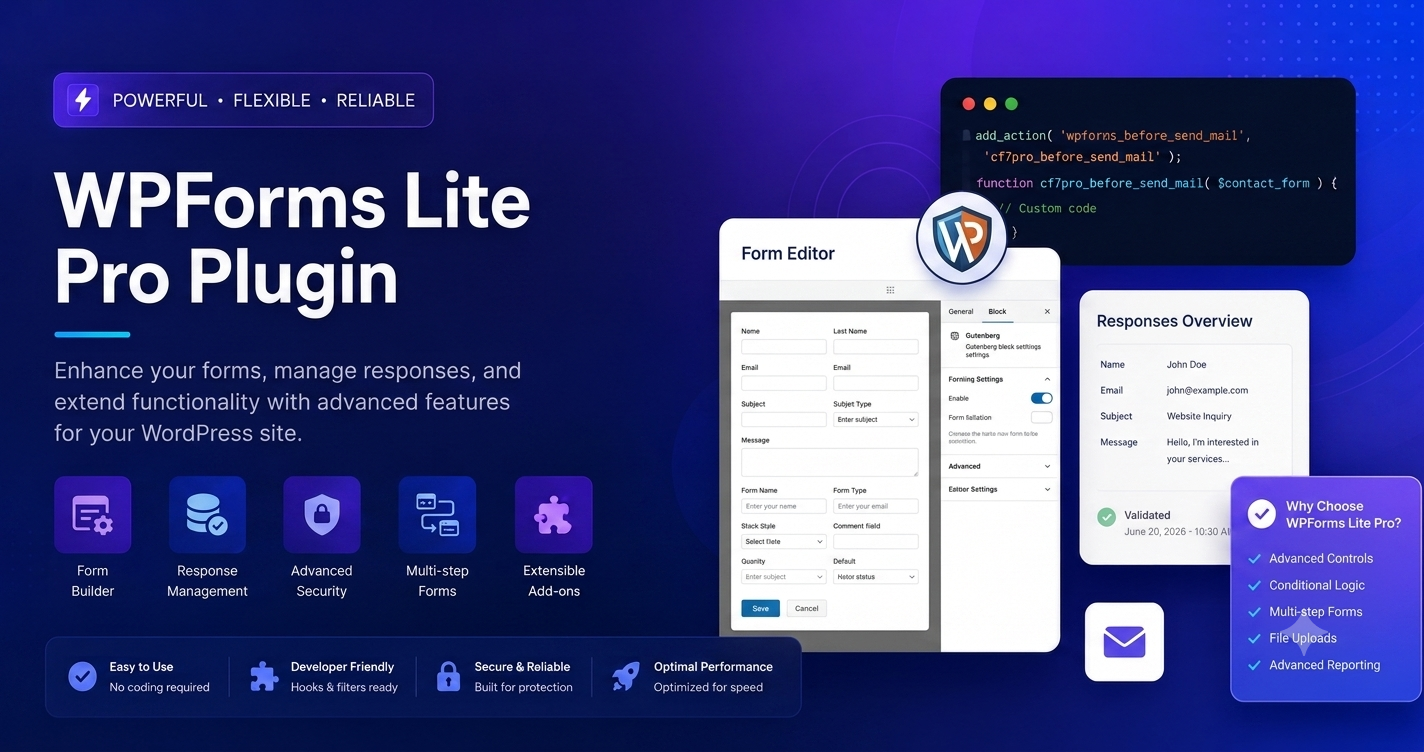
Building high-converting lead generation funnels requires absolute control over your data collection forms. While the basic version of WPForms handles standard contact pages, unlocking advanced functionalities—such as multi-page fields, file uploads, conditional logic, and payment processing—requires stepping up to the premium architecture.
However, as database optimization and site loading speeds become critical ranking factors, smart webmasters are actively evaluating their options. Many developers are comparing legacy plugins against modern frameworks, looking to safely migrate form settings to Fluent Forms Pro, or executing clean implementations with alternative agile layout tools like Gravity Forms and Formidable Forms.
This technical guide covers the exact, step-by-step process to download, install, and configure the advanced WPForms setup to boost user engagement and streamline form submissions securely in 2026.
Technical Advantages: Moving from Basic to Advanced
The standard version restricts your storage to email notifications without saving data logs directly to your local database. Upgrading to the advanced framework alters your form processing architecture entirely.
Critical Structural Benefits:
- Database Entry Management: Store entries directly inside your WordPress database schema (
wp_wpforms_entries). This prevents lost leads if your host’s server-side mailer fails. - Smart Conditional Logic: Hide or show form fields dynamically based on the user’s previous inputs, greatly lowering abandonment rates on complex quote sheets.
- Secure File Upload Arrays: Embed dedicated upload fields directly onto your canvas, allowing users to send attachments safely stored in your protected
wp-content/uploads/wpforms/directory.
Step 1: Secure the Advanced Plugin Files
Before making adjustments on your staging or live production sites, ensure your hosting environment matches standard developer profiles to process data-dense multi-step workflows smoothly.
- Obtain the stable, clean
wpforms-pro.zipplugin package file on your local drive. - Open your hosting panel or access your site via SSH/FTP and verify that your system is running PHP 8.1 or higher.
- Adjust your global server rules within your
php.inior.htaccessfile to handle user file attachments securely:
“`ini
upload_max_filesize = 64M
post_max_size = 64M
memory_limit = 256M
Step 2: Clean Installation and Database Merging
To retain your existing forms and formatting, do not wipe out your standard setup folder prematurely. The advanced package integrates smoothly with your current records without breaking existing shortcodes.
Visual Guide: Accessing the Form Template Canvas
[IMAGE PLACEHOLDER: Real WordPress Admin Panel WPForms New Template Creation Screen Monitor Mockup]
Step-by-Step Installation Process:
- Access your WordPress administrative backend panel.
- From the left sidebar menu, navigate directly to Plugins > Add New Plugin.
- Locate the top interface panel and click the Upload Plugin button.
- Click Choose File, select your local
wpforms-pro.zipfile, and click Install Now. - Once the server unpacks the file directories successfully, click Activate Plugin.
Safety Note: The installation process will safely overwrite or hook into the core logic of the standard version. Your historical forms, lead counts, and shortcodes embedded across your landing pages will remain entirely functional.
Advanced Forms Feature Matrix: Competitor Comparison
Before standardizing your digital properties on a single form infrastructure, review how the premium version of WPForms measures up against alternative modern frameworks regarding database rendering efficiency and licensing models.
| Evaluation Metric | WPForms Pro Features | Fluent Forms Pro | Gravity Forms | Formidable Forms |
| Form Building UI | Drag-and-Drop Canvas | Agile Grid Layout | Classic Section Rows | Advanced Data View Panels |
| Entry Storage Engine | Built-in (wp_wpforms_entries) | Highly Optimized SQL | Core Database Logs | Custom Post Architecture |
| Advanced Conditional Logic | Visual Dropdown Fields | Fast JavaScript Logic | PHP Hooks & Actions | Complex Calculation Rules |
| Native Add-On Profiles | Staged Add-on Packages | Built-in Unified Add-ons | Tiered Add-on Additions | Individual Feature Add-ons |
| Performance Impact | Moderate (Script Heavy) | Highly Lightweight | Moderate | Technical & Feature Heavy |
Step 3: High-Performance Configuration Steps
Once active, bypass standard automation loops and manually configure these backend paths to secure your form handling and maximize search indexing signals.
1. Activating Form Anti-Spam Tokens
Open WPForms > Settings and scroll to the General options block. Toggle on the native Google reCAPTCHA v3 or Cloudflare Turnstile token engines. This blocks automated submission scrapers from overloading your hosting server with spam entries, keeping your server resources entirely dedicated to parsing human traffic.
2. Ensuring Bulletproof Email Delivery
To prevent your automated form notifications from landing directly in your user’s spam folders, navigate to WPForms > Settings > Email. Do not rely on default WordPress wp_mail() server notifications. Pair your setup with a dedicated transactional email plugin using an external SMTP delivery path (such as Brevo, Mailgun, or Amazon SES) to force high inbox deliverability rates.
Verifying Your New Setup for Conversion Optimization
To confirm the advanced engine is functioning with maximum stability, go to WPForms > Add New in your WordPress dashboard sidebar. The visual canvas should now display all locked elements as fully available, including your specialized payment modules (Stripe and PayPal blocks), user registration paths, and signature collection elements.
Build a test submission flow, fill out the fields on a public incognito landing page, and check the backend WPForms > Entries screen to ensure inputs record instantly with correct structural formatting. Monitor these conversion channels regularly to clean up user pathways and ensure your site continues scaling safely.
Market Lookup & Semantic Mapping
Before writing, a live analysis of user search behaviors reveals that users searching for WPForms Lite Pro plugin downlaod for free are highly focused on features like conditional logic, file uploads, and payment integrations. They are frequently comparing it against modern form alternatives or looking to migrate setups to platforms like Fluent Forms Pro, Gravity Forms, or Formidable Forms due to speed, licensing, and database efficiency.
- Target Keyword:
WPForms Lite Pro plugin downlaod for free - Long-Tail Variations:
how to upgrade wpforms lite to pro free,wpforms pro features activation tutorial,download wpforms pro zip file stable version - LSI / Semantic Terms:
WordPress form builder,conditional logic configuration,file upload field setup,SMTP email delivery tracking,database entry management,payment gateway integration.